Format Deep-Dives
Convert legacy 3D files to GLB, STL, OBJ, 3MF, PLY, or USDZ locally.
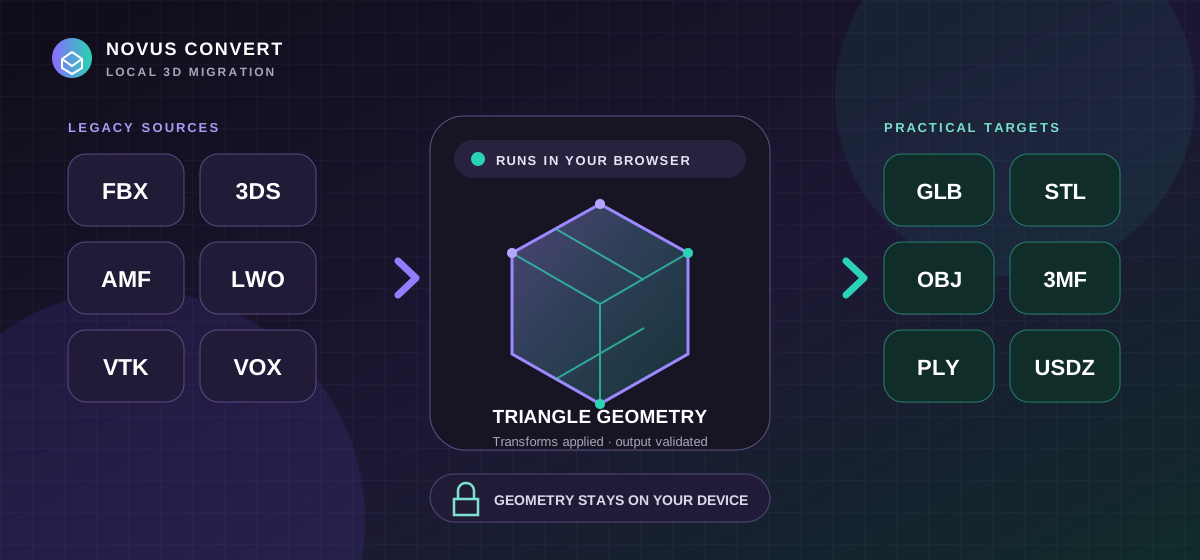
Move FBX, 3DS, AMF, LWO, VTK, and VOX geometry into practical web, printing, editing, and AR formats locally—with explicit fidelity checks.
30 articles published by Novus Convert in 2026.
Move FBX, 3DS, AMF, LWO, VTK, and VOX geometry into practical web, printing, editing, and AR formats locally—with explicit fidelity checks.
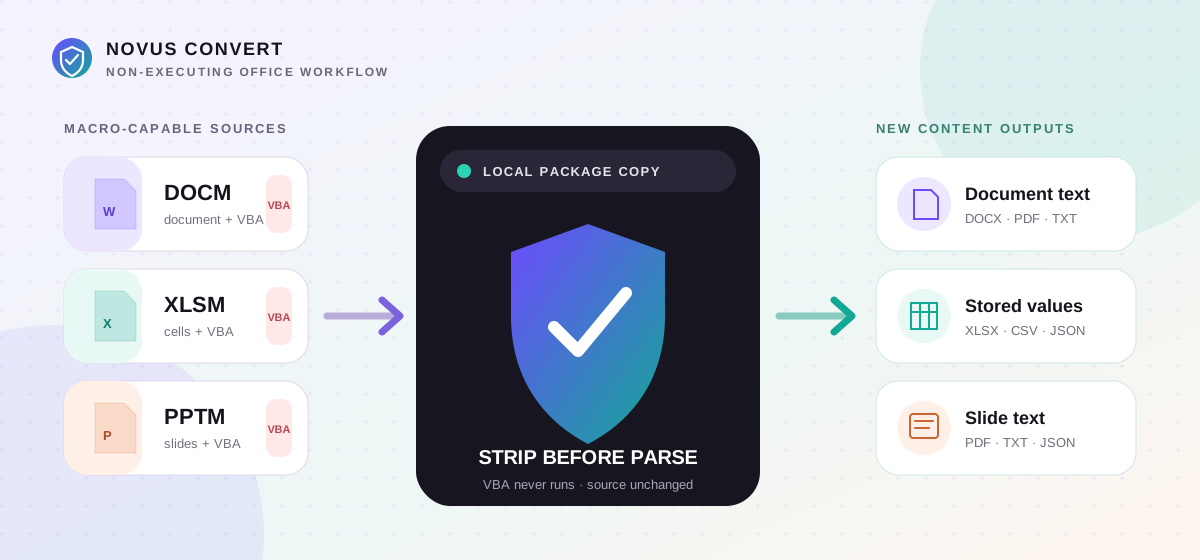
Extract useful document text, workbook values, and slide text from macro-enabled Office packages locally without interpreting or copying their VBA payloads.
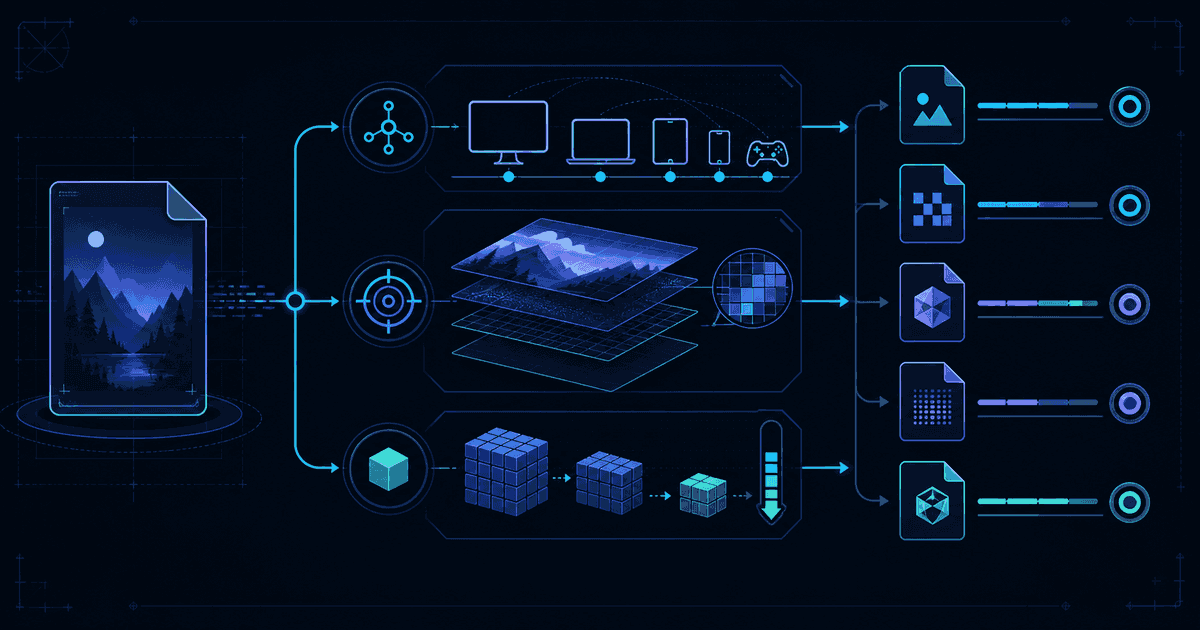
Choose a conversion target by balancing where the file must open, which details must survive, and how small the result genuinely needs to be.
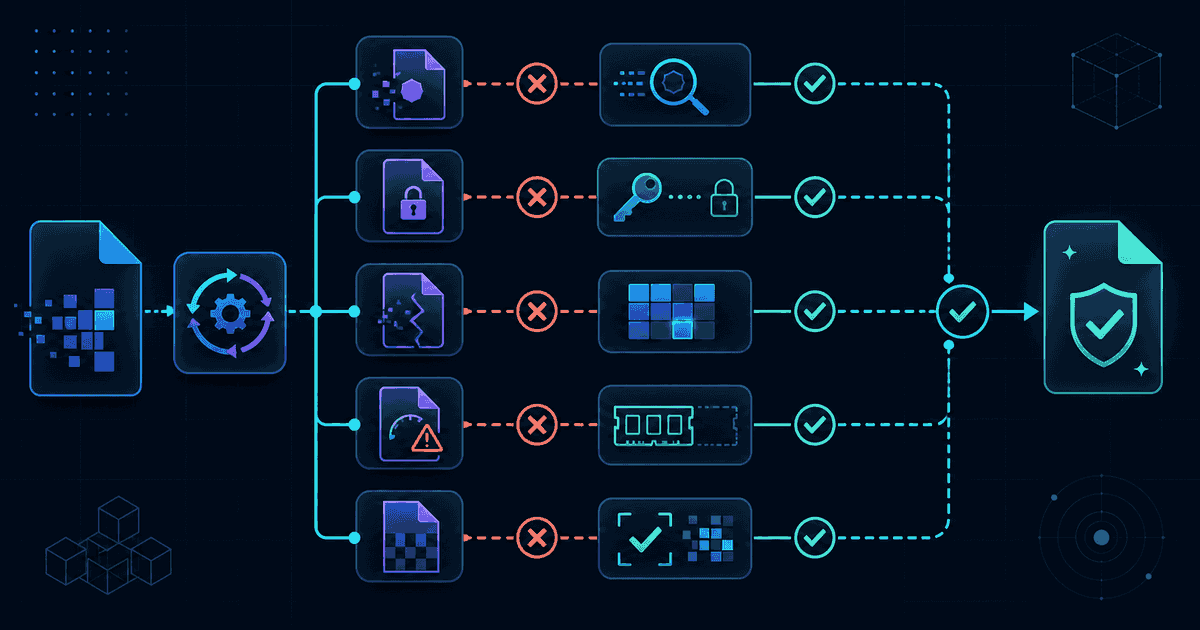
Diagnose unsupported inputs, corrupt containers, memory limits, codec failures, and outputs that validate but do not meet the destination's needs.
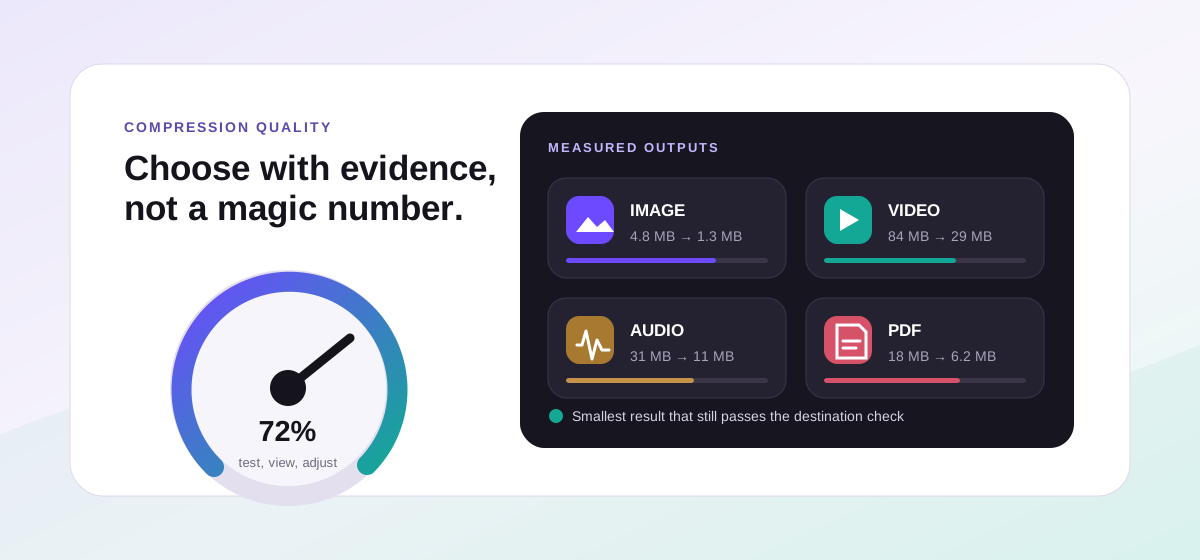
Choose practical image, video, audio, PDF, and package compression settings by starting with the destination, measuring the result, and checking visible quality.
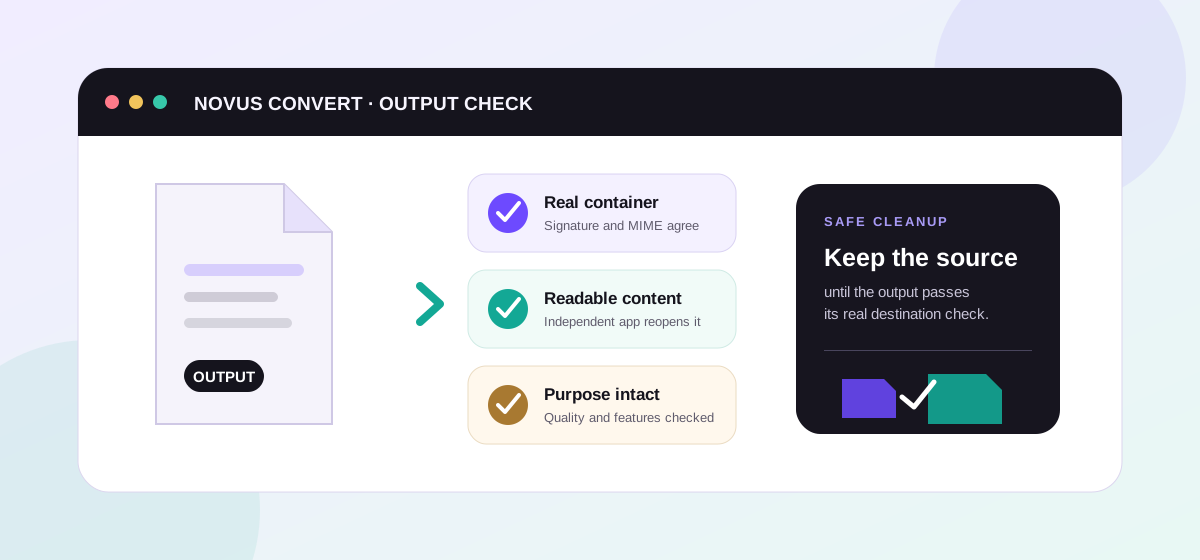
Use a practical post-conversion checklist for images, documents, media, archives, data, and 3D files—and learn what Novus Convert validates automatically.
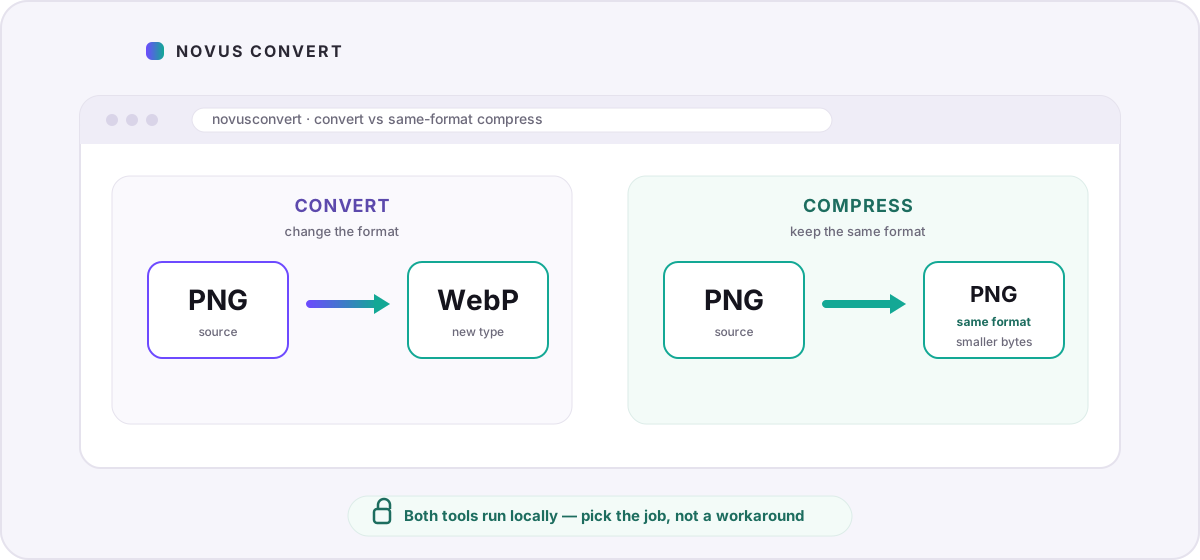
Learn when Novus Convert’s converter and compressor diverge: change formats on /convert, keep PNG→PNG or MP4→MP4 on /compress, and use quality without losing the download.
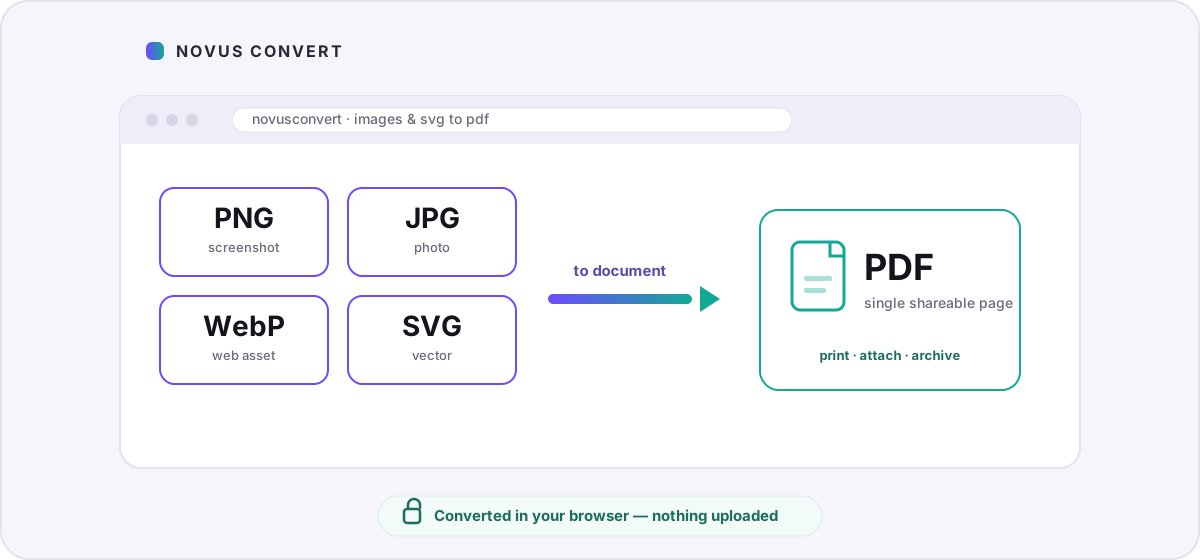
Package screenshots, photos, and vector diagrams into shareable PDFs locally — with honest notes on page sizing, SVG rasterization, and why nothing uploads.
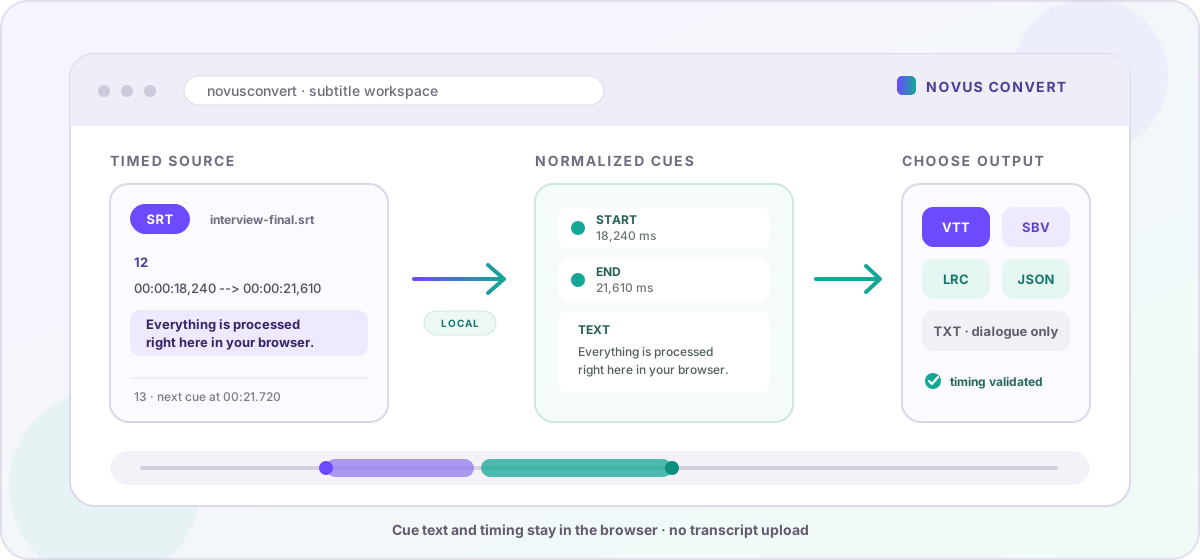
Convert captions and timed lyrics locally between SRT, VTT, SBV, LRC, TXT, and JSON while keeping cue timing private and under your control.
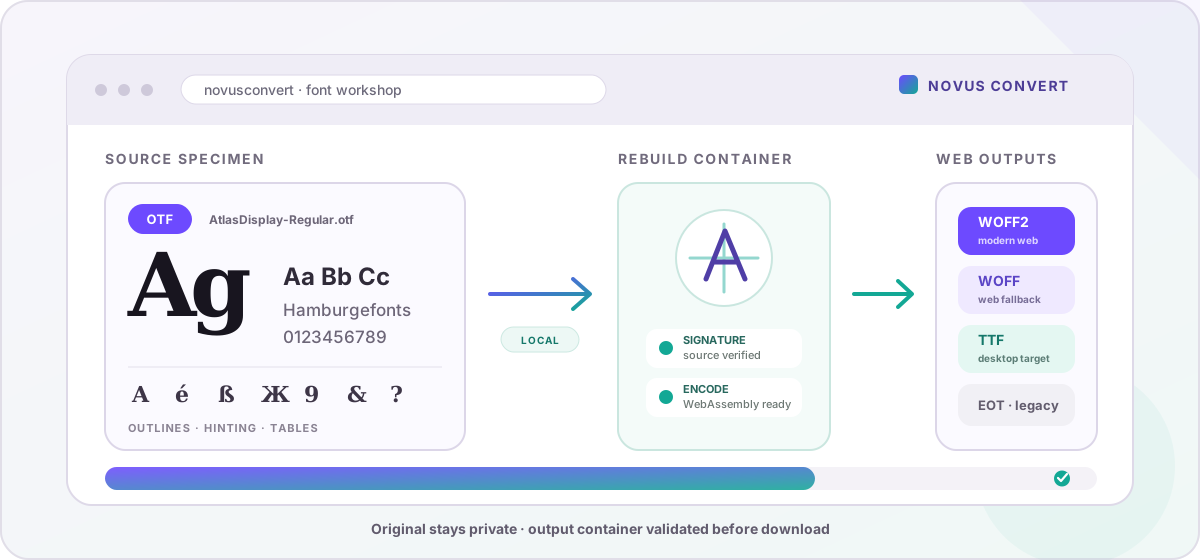
Convert desktop and web font containers locally, choose the right TTF, WOFF, WOFF2, or EOT output, and validate the result before using it.
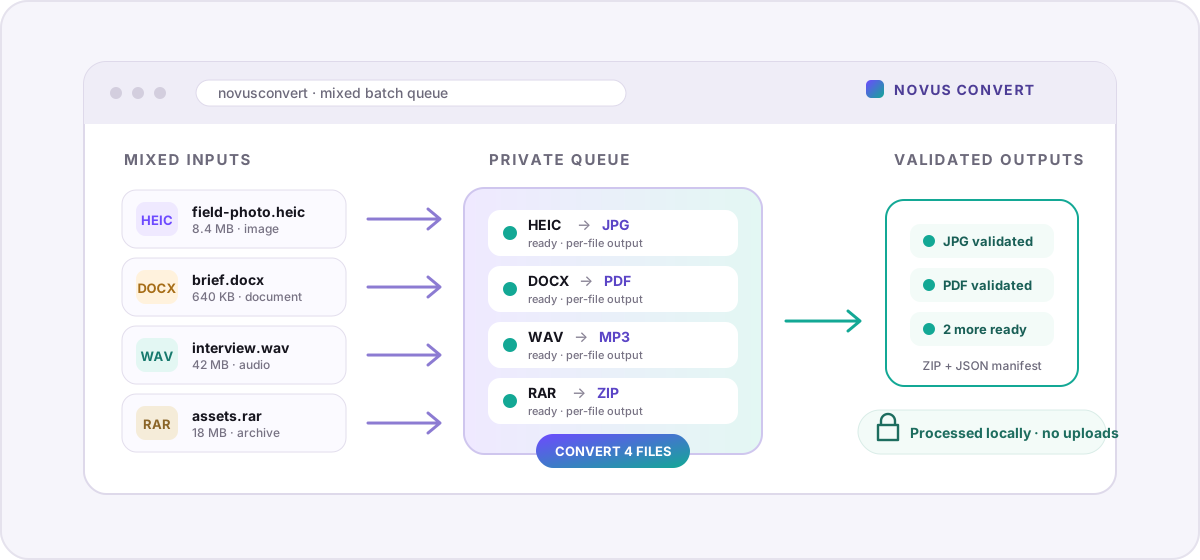
Convert images, documents, media, archives, and other formats together with per-file outputs, validated downloads, and no uploads.
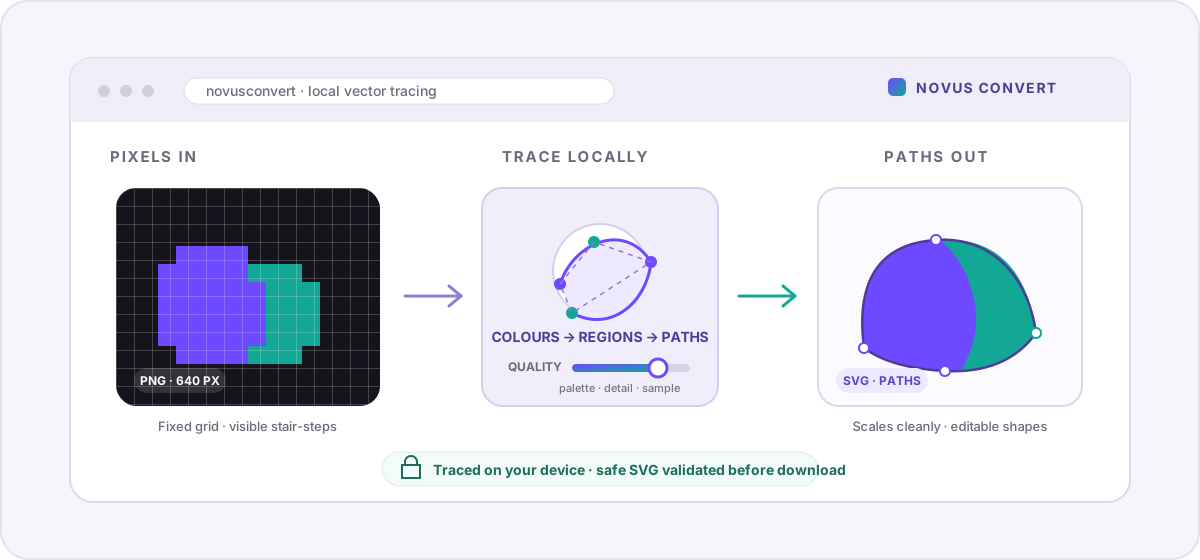
Trace logos, line art, and flat graphics into scalable SVG paths locally, with practical quality controls and honest limits for photographs.
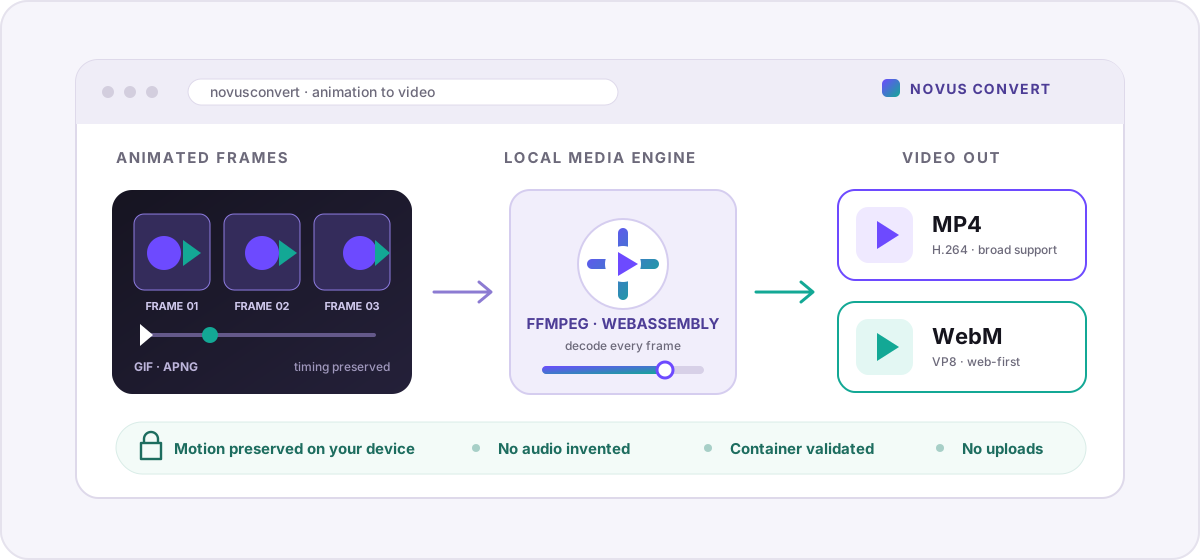
Turn animated GIF and APNG files into modern MP4 or WebM video locally, with smaller-file strategies, honest transparency limits, and no uploads.
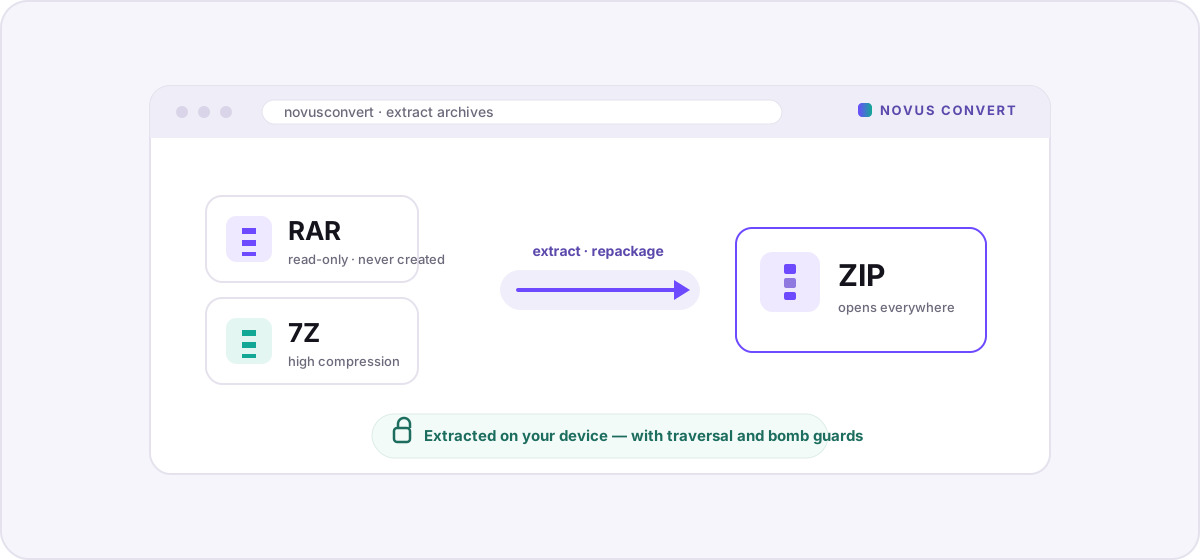
Open and repackage RAR, 7-Zip, and ZIP archives locally with real WebAssembly engines — with traversal and expansion protections and no uploads.
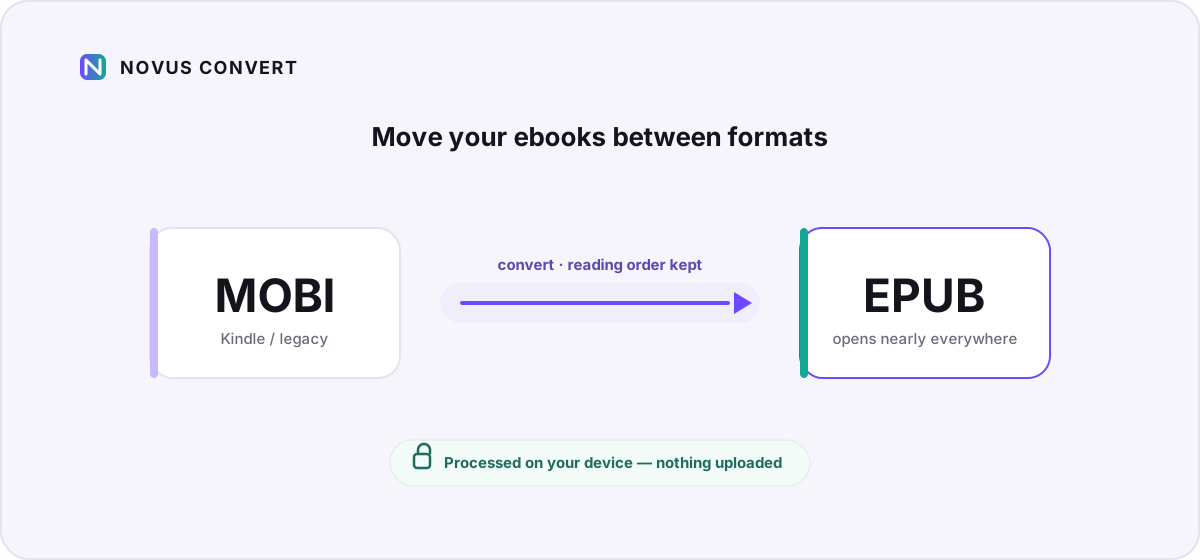
Move your DRM-free ebooks between EPUB, MOBI, and plain formats locally in the browser — reading-order preserved, nothing uploaded.
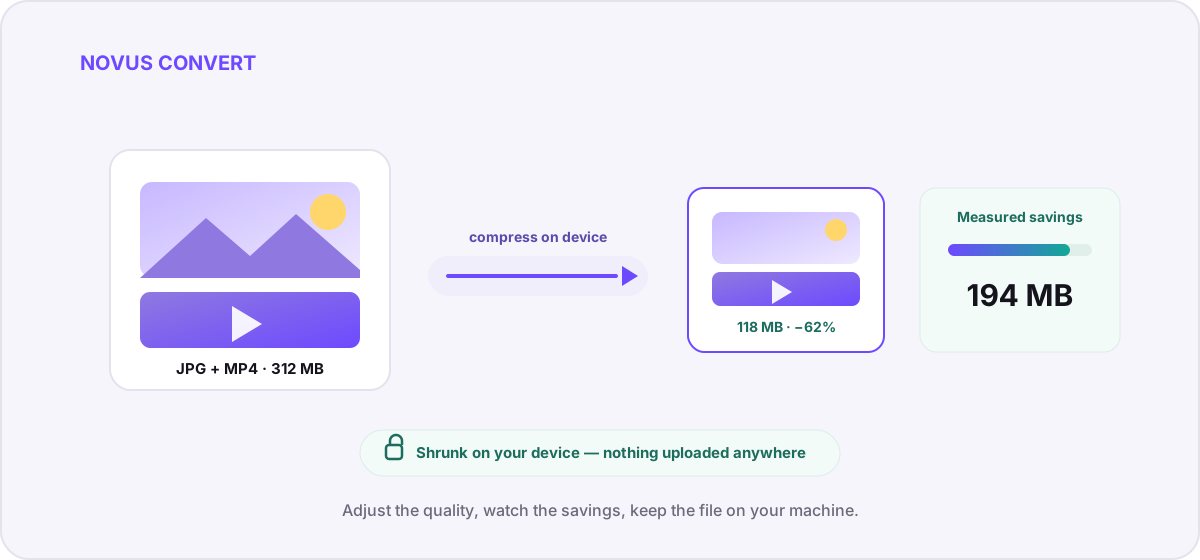
Shrink photos and video on your own device with adjustable quality and measured savings — a private alternative to upload-based compressors.
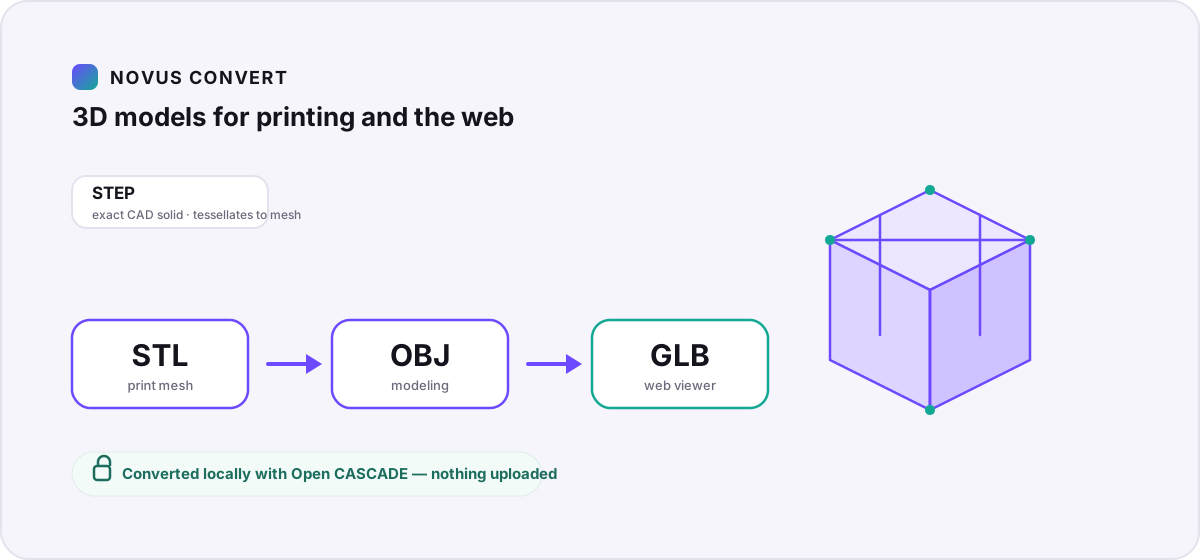
Convert between STL, OBJ, 3MF, GLB, glTF, PLY, and STEP CAD geometry locally with Open CASCADE and mesh tools — ready for 3D printing or web viewers.
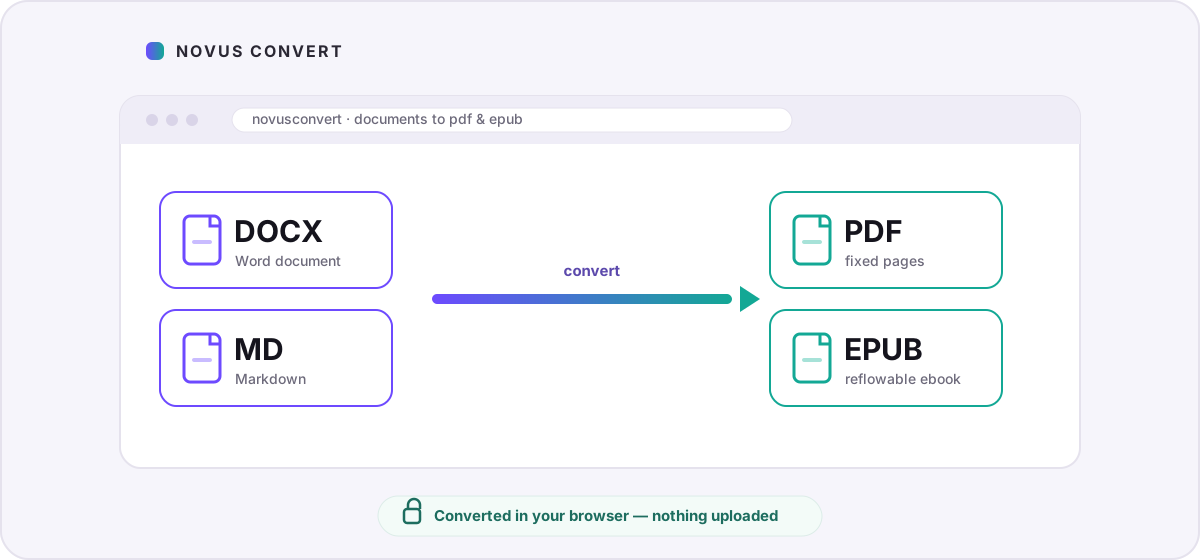
Turn Word documents and Markdown into shareable PDFs or reflowable EPUB ebooks locally, with honest notes on what layout survives the conversion.
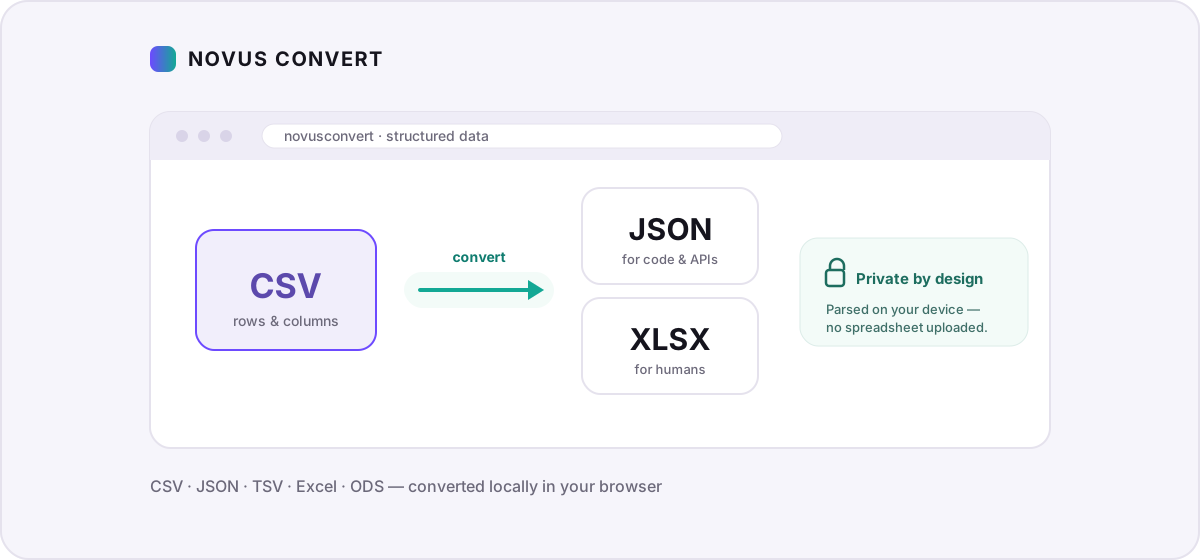
Move tabular data between CSV, JSON, TSV, and Excel/ODS locally — no uploading spreadsheets full of sensitive rows to a stranger’s server.
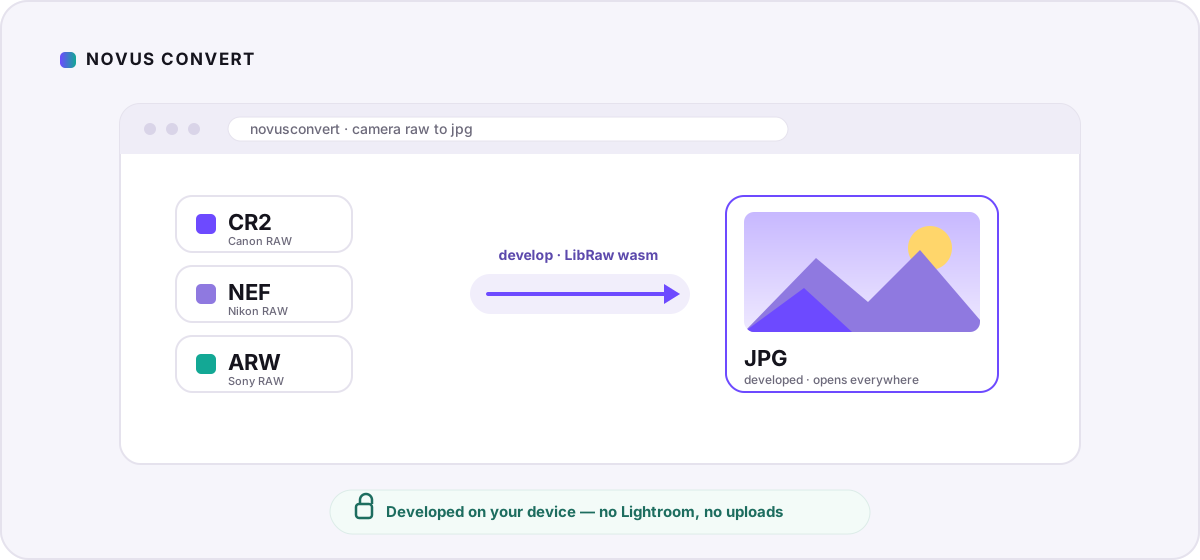
Develop Canon, Nikon, and Sony RAW files into shareable JPGs locally with a LibRaw WebAssembly decoder — no Lightroom, no cloud, no uploads.
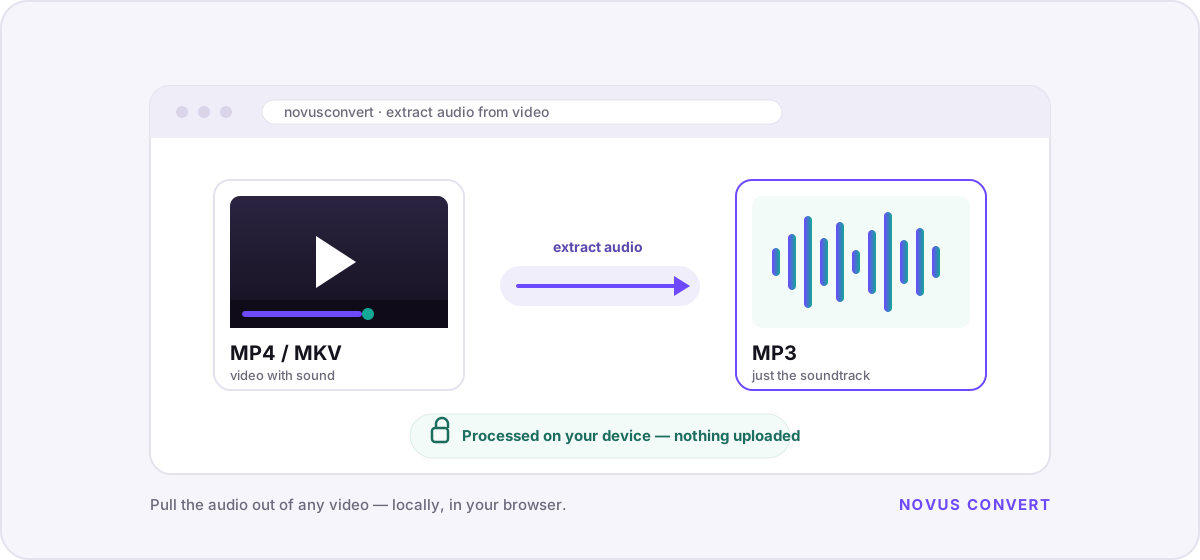
Pull the soundtrack out of a video file into MP3 or other audio formats entirely in your browser — perfect for talks, music, and podcasts, with no upload.
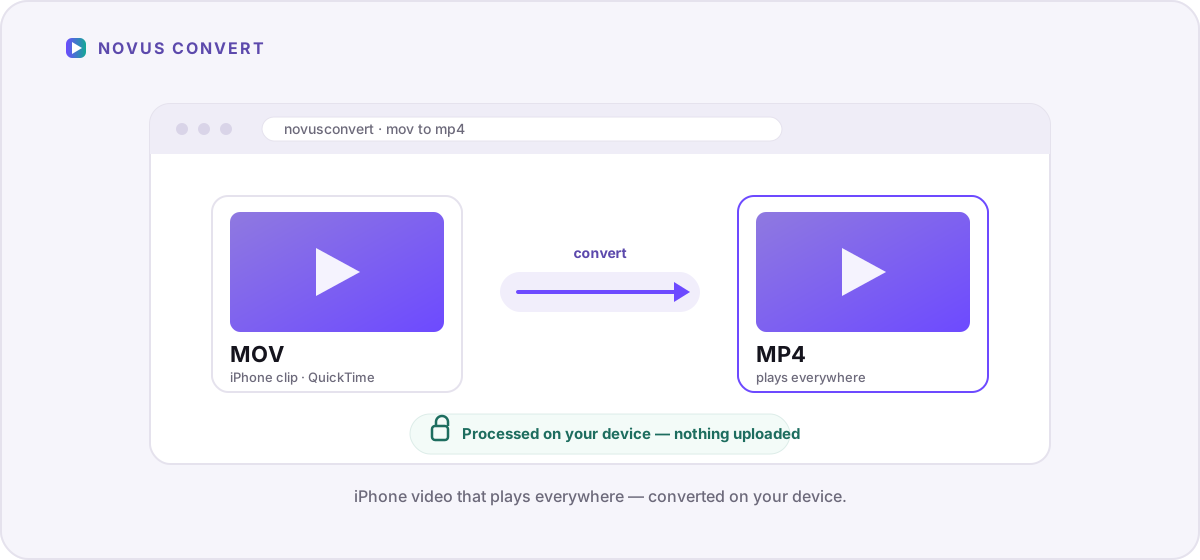
Make iPhone .mov clips play everywhere by converting them to .mp4 locally with a WebAssembly FFmpeg engine — private, watermark-free, and validated.
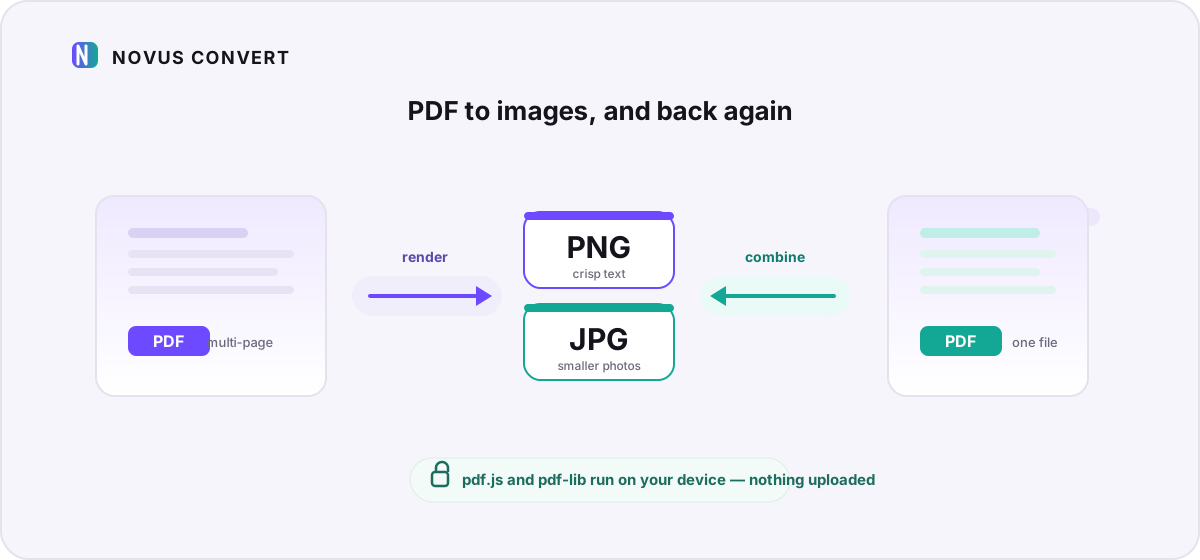
Turn PDF pages into PNG or JPG snapshots, or combine images into a PDF — all processed locally with pdf.js and pdf-lib, with nothing uploaded.
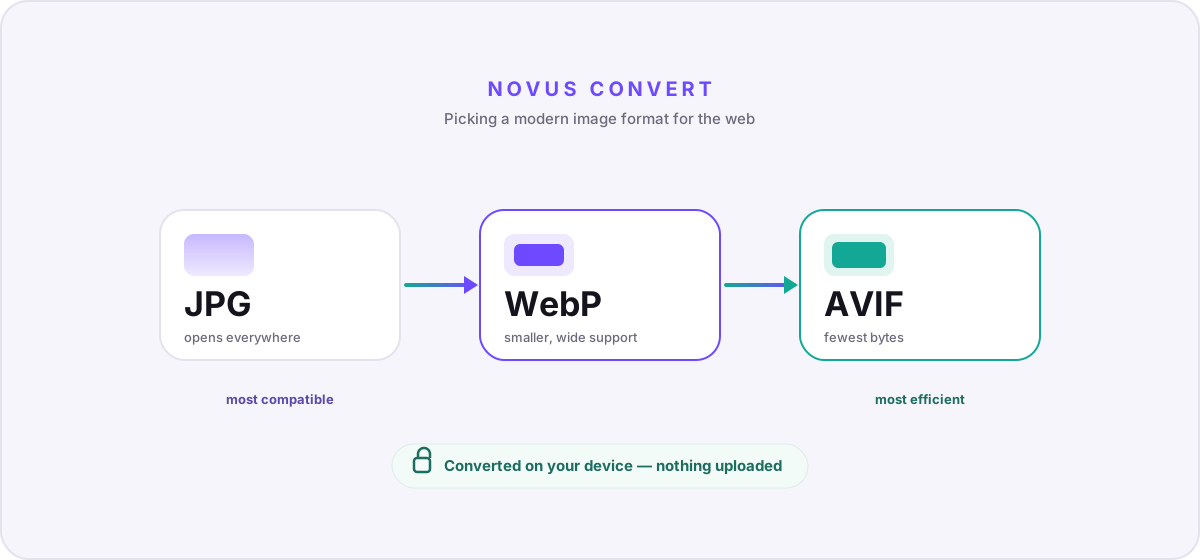
A practical comparison of AVIF, WebP, and JPG — compression, quality, browser support, and transparency — so you can pick the right format for the web.
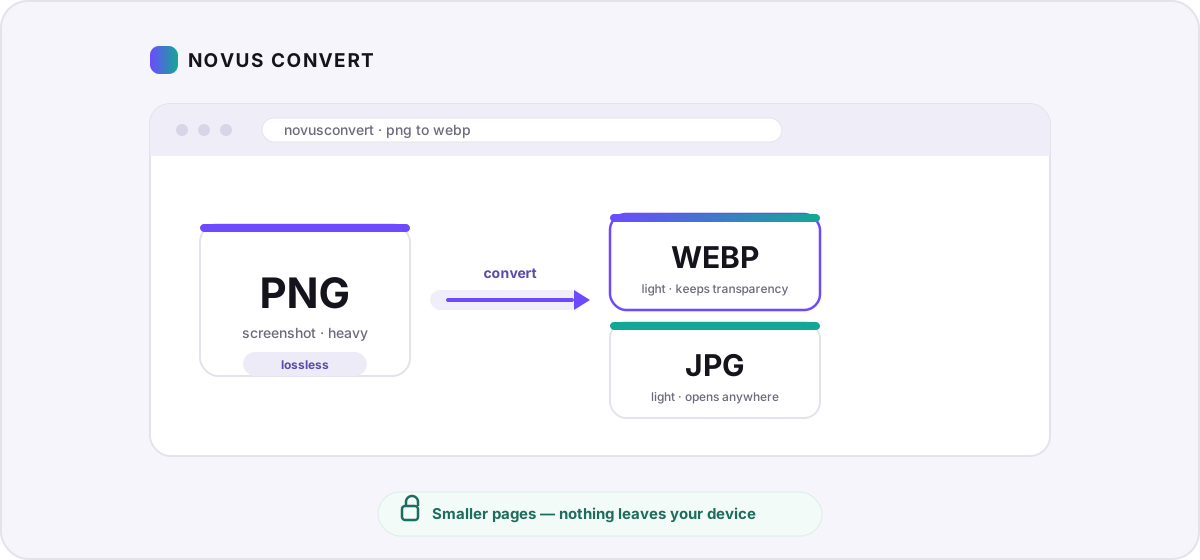
Turn heavy PNG screenshots and graphics into lightweight WebP or JPG in your browser — smaller pages, no uploads, and measured savings you control.
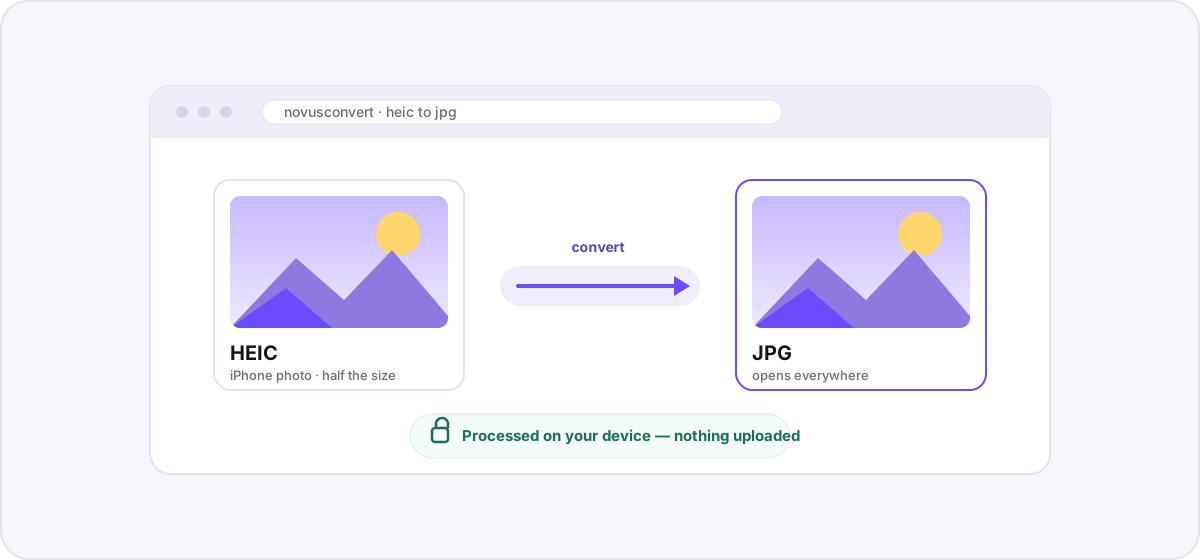
A private, step-by-step guide to turning iPhone HEIC photos into universally compatible JPGs entirely in your browser — no uploads, no accounts, no waiting.
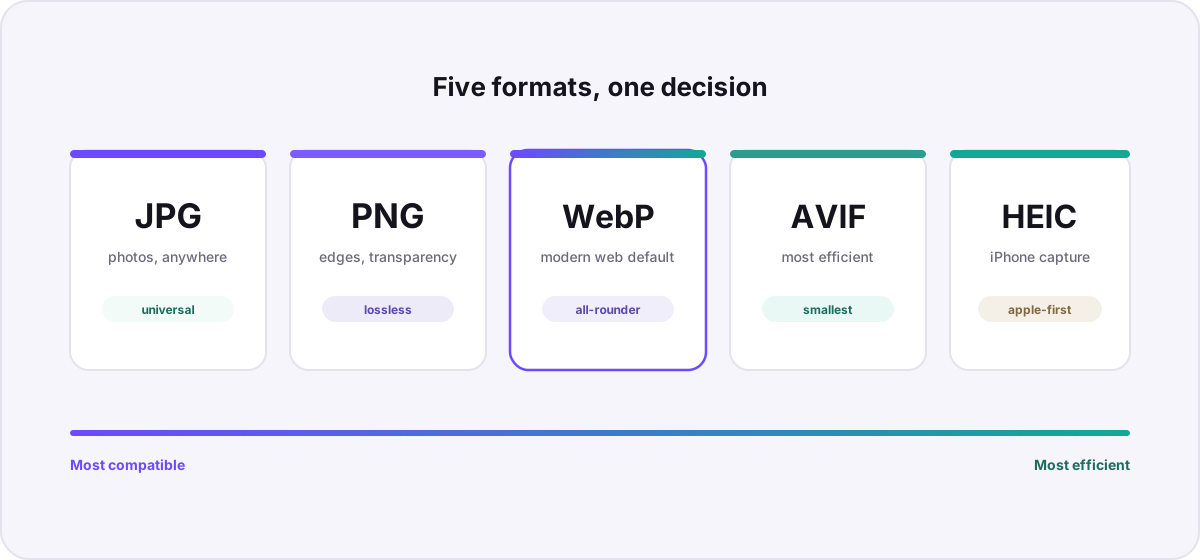
A practical comparison of the five image formats that matter most today — how they differ in compression, quality, transparency, and support — with clear guidance on when to pick each.
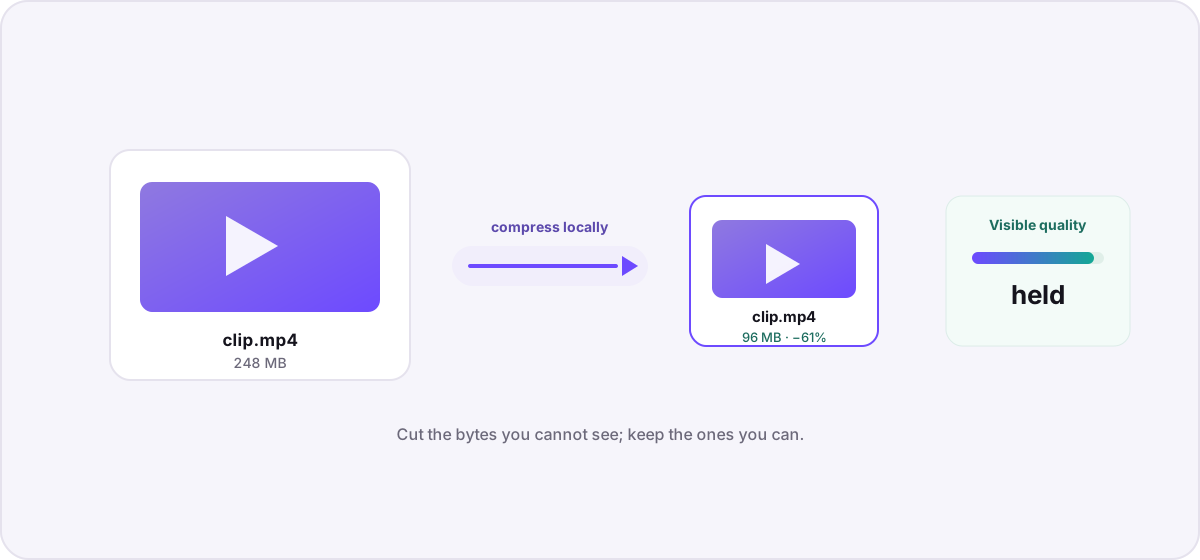
Understand what actually makes a video file large, then compress it locally — no uploads, no watermarks — using bitrate, resolution, and codec choices that preserve visible quality.
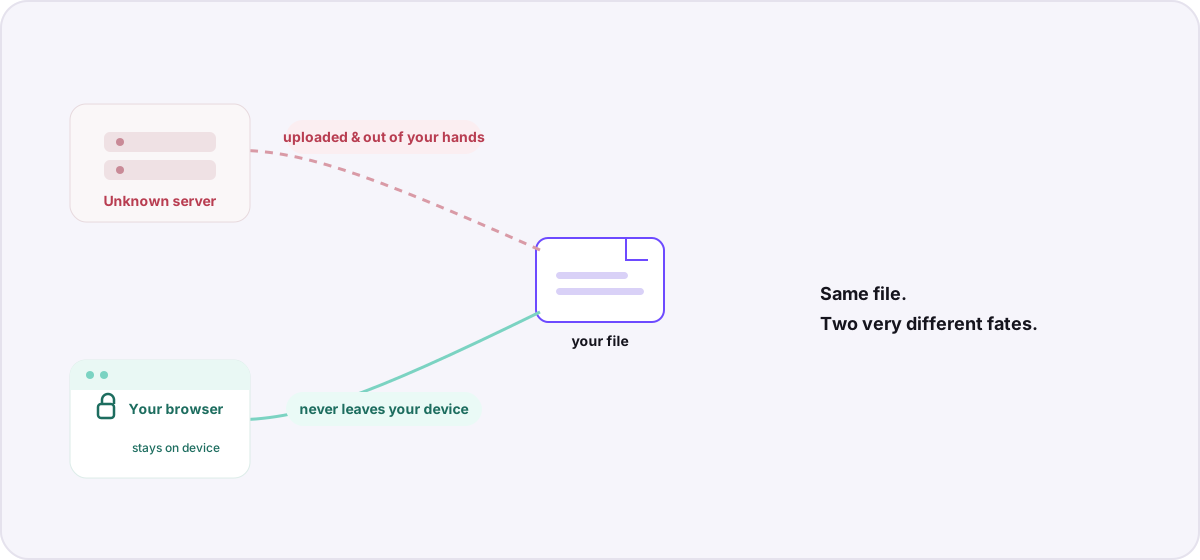
Most “free online converters” quietly upload your documents and photos to a server. Here is what that actually means for your privacy — and how browser-based conversion avoids it.
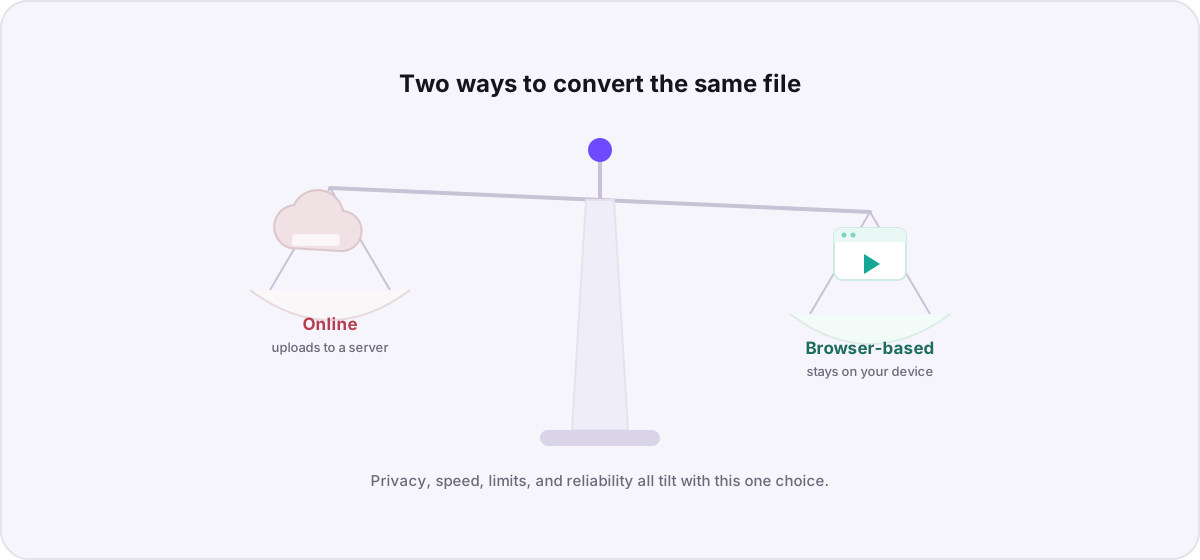
“Online converter” and “browser-based converter” sound identical but work in opposite ways. Here is how they compare on privacy, speed, file limits, and reliability — and when each one wins.