Convert DOCX and Markdown to PDF or EPUB in Your Browser
Turn Word documents and Markdown into shareable PDFs or reflowable EPUB ebooks locally, with honest notes on what layout survives the conversion.
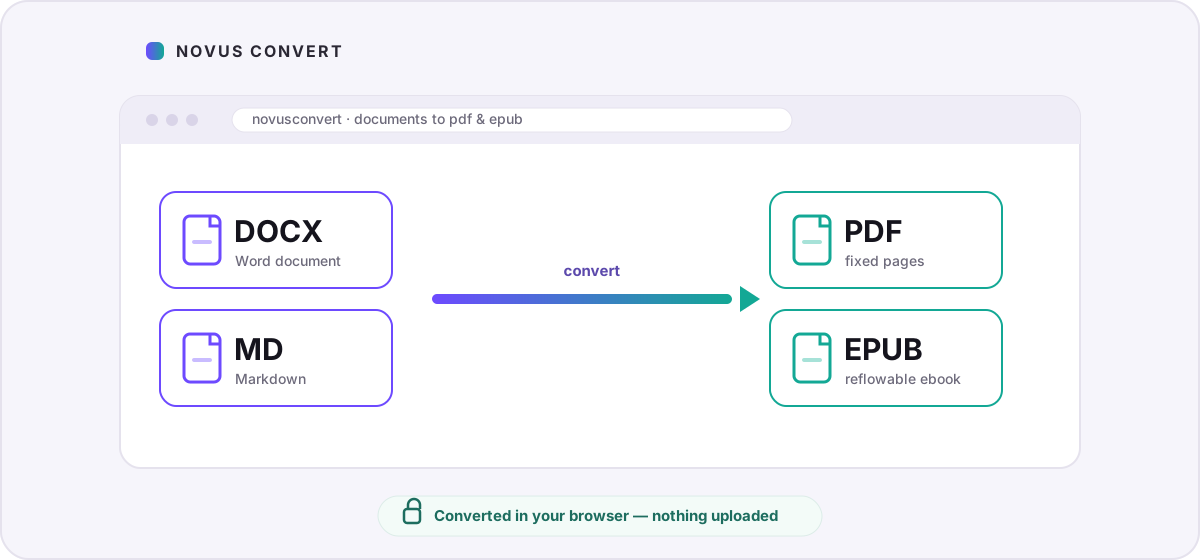
You have finished writing, and now the file has to become something other people can actually open. A Word document quietly assumes the reader also has Word; a folder of Markdown notes assumes they know what Markdown even is. Turning either one into a PDF or an EPUB fixes that, and with Novus Convert the conversion happens entirely inside your browser, so the document is never uploaded to anyone’s server on its way to becoming shareable.
PDF or EPUB: which one do you actually want?#
A PDF is a fixed set of pages. Once the file is made, every margin and line break is frozen, so it looks the same on a phone, a laptop, or a printer, and it opens in a viewer already built into every browser and operating system. That makes PDF the right target when a document needs to be shared, printed, signed, or archived as one self-contained file: a handout, a report, a résumé, an agreement. The cost of that fixedness is that PDFs do not adapt: on a small screen the reader zooms and pans instead of having the text rewrap.
An EPUB is the opposite kind of object. It is a reflowable ebook, closer to a small website than a printed page, and the reader’s own device decides where lines and pages break. The same file reads comfortably on a large tablet or a phone, and the reader can change the font, the type size, and the margins to suit their eyes. That flexibility is exactly what you want for long-form reading (a book, a manual, a guide someone will sit with), but it means you hand control of the page to the reader rather than fixing it yourself.
- Choose PDF when the document will be shared, printed, or signed and you want one file that looks the same everywhere.
- Choose EPUB when the words are meant to be read at length, across different screen sizes, with the reader in control of the type.
- When in doubt, PDF is the safer default for a single document, and EPUB is the better home for a whole book or long guide.
Converting DOCX and Markdown in your browser#
Novus Convert reads your document locally (a .docx is really a ZIP of XML, and Markdown is already plain text), and writes a fresh file from what it finds. Nothing is uploaded to a server to be converted. Start on the DOCX to PDF converter for Word files, or reach for Markdown to EPUB and Markdown to PDF when you are working from notes. The steps are the same whichever route you pick:
- Open the route that matches your file, or drop the document into the general batch converter and choose the output there.
- Add your .docx or .md file by dragging it onto the drop zone or tapping to browse. You can queue several documents at once.
- Confirm the output format. Each file gets its own picker, so one document can become a PDF while another becomes an EPUB in the same batch.
- Let the local engine run. Because there is no upload, speed depends on your device rather than your connection, and a progress bar tracks each file.
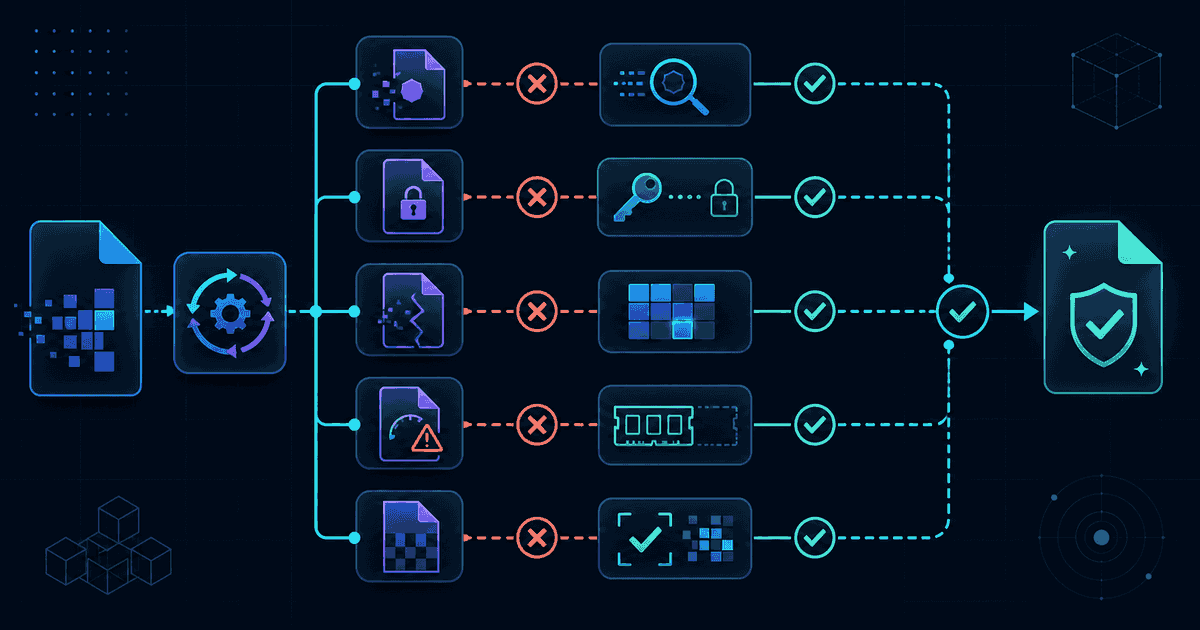
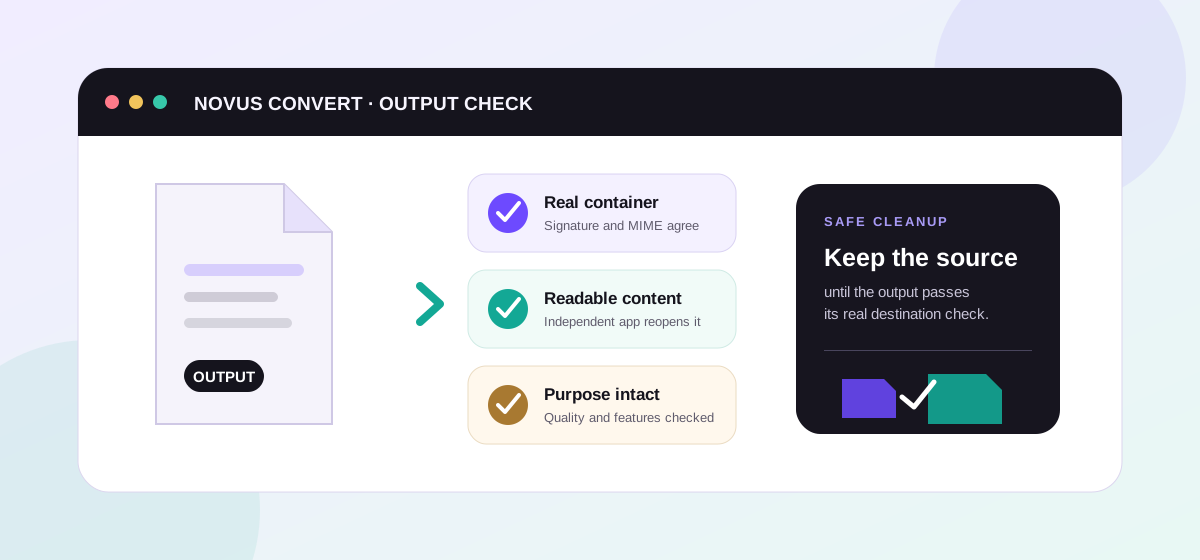
- Download each result once it validates. Novus Convert checks the file’s real PDF or EPUB signature before it unlocks the download, so a broken export never slips through.
What survives the conversion, and what doesn’t#
Here is the honest part, worth reading before you send anything important. These conversions are built around your document’s text and structure, not a pixel-perfect photograph of it. For a Word file, Novus Convert pulls the text out of the .docx and lays it into clean PDF pages with a standard font: your words, their order, and your paragraph breaks come across, but Word’s own layout does not. Complex styles, multi-column designs, floating images, exact pagination, tracked changes, and comments are intentionally out of scope. When the precise look matters (a designed report, a form, a filing where pagination is fixed), keep the original DOCX as your master and treat the PDF as a shareable reading copy.
Markdown converts more predictably, because it was already structure-first. Headings, paragraphs, lists, and basic emphasis map cleanly onto both PDF and EPUB, and that same structure is what an ebook reader uses to build its navigation. Two things are worth knowing. Markdown has several flavors, so anything beyond the common core (footnotes, task lists, or raw HTML blocks) depends on being recognized by the converter. And when you go to EPUB, remember that reflow is the whole point: hand-tuned spacing, fixed page breaks, and exact image placement give way to the reader’s own settings, which is a feature for a book and a surprise only if you expected a fixed page.
One thing worth saying plainly: any EPUB you make here is DRM-free by nature. It is a standard, open ebook you own outright: readable in Apple Books, Kobo, Calibre, or any compatible app, copyable between your own devices, and convertible again later. If you want to understand the format before you commit, our EPUB format guide explains how reflowable ebooks are assembled and where they shine. And if the privacy angle is what brought you here, the rest of the Novus Convert blog digs into why keeping conversions on your own device is worth caring about.
Troubleshooting
Not pixel-for-pixel. Novus Convert builds the PDF from your document’s extracted text and lays it out with a standard font, so your words, their order, and your paragraph breaks come across cleanly, but Word’s own page layout, floating images, multi-column designs, and exact pagination do not. When the precise look matters, keep the DOCX as your master and use the PDF as a shareable reading copy.
A PDF is a fixed set of pages that looks identical on every device, which is ideal for sharing, printing, and signing. An EPUB is a reflowable ebook whose text rewraps to fit any screen and lets readers change the font and size, which is better for anything read at length. Pick PDF when the layout should stay put and EPUB when comfortable reading across devices matters more.
No. Novus Convert produces a standard, open EPUB with no digital rights management attached, so you own the file outright and can read it in any compatible app, move it between your own devices, or convert it again later. DRM is designed to prevent exactly that kind of copying, which is also why only DRM-free files can be converted in the first place.
Frequently asked questions
Will my PDF look exactly like the Word document?
Not pixel-for-pixel. Novus Convert builds the PDF from your document’s extracted text and lays it out with a standard font, so your words, their order, and your paragraph breaks come across cleanly, but Word’s own page layout, floating images, multi-column designs, and exact pagination do not. When the precise look matters, keep the DOCX as your master and use the PDF as a shareable reading copy.
What is the difference between converting to PDF and to EPUB?
A PDF is a fixed set of pages that looks identical on every device, which is ideal for sharing, printing, and signing. An EPUB is a reflowable ebook whose text rewraps to fit any screen and lets readers change the font and size, which is better for anything read at length. Pick PDF when the layout should stay put and EPUB when comfortable reading across devices matters more.
Is the EPUB I create locked with DRM?
No. Novus Convert produces a standard, open EPUB with no digital rights management attached, so you own the file outright and can read it in any compatible app, move it between your own devices, or convert it again later. DRM is designed to prevent exactly that kind of copying, which is also why only DRM-free files can be converted in the first place.
Are my documents uploaded during conversion?
No. Every conversion runs in your browser: a .docx is unzipped and read, or your Markdown is parsed, and a new PDF or EPUB is written entirely in your device’s memory. Nothing is transmitted to a server, there is no account to create, and no copy is left behind, which matters when the file is a contract, a cover letter, or a manuscript you have not published yet.
Can I turn the same Markdown into both a PDF and an EPUB?
Yes. Use the Markdown to PDF route when you want a fixed set of pages to print or share, and the Markdown to EPUB route when you want a reflowable ebook. Because each file in a batch has its own output picker, a single set of notes can become both formats in one pass, still without anything leaving your device.