Format Deep-Dives
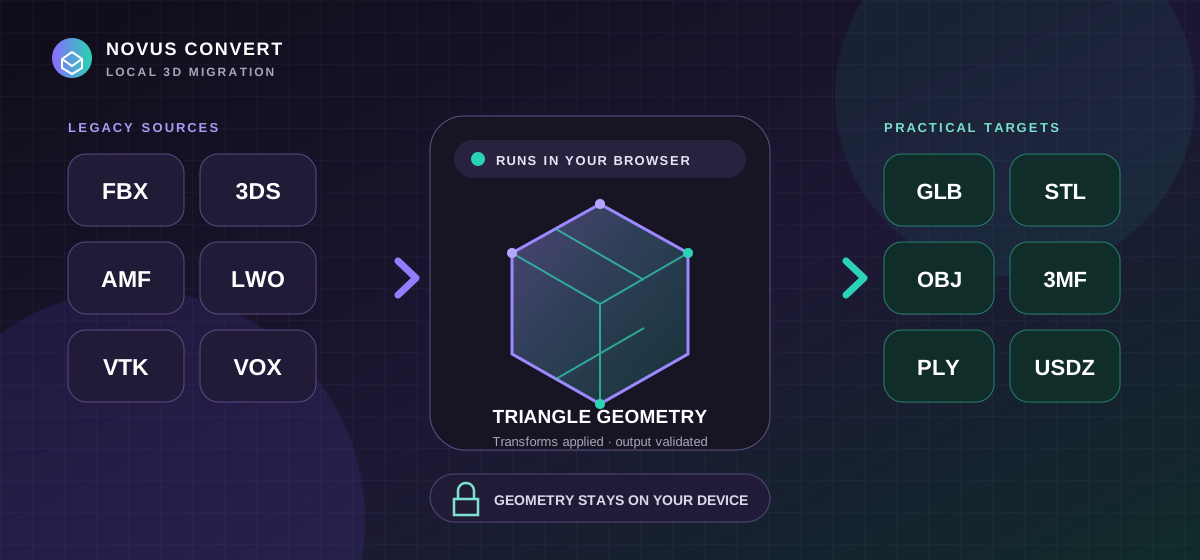
Convert legacy 3D files to GLB, STL, OBJ, 3MF, PLY, or USDZ locally.
Move FBX, 3DS, AMF, LWO, VTK, and VOX geometry into practical web, printing, editing, and AR formats locally—with explicit fidelity checks.
Practical guides, honest format comparisons, and privacy explainers — from a converter that never uploads your files.
Move FBX, 3DS, AMF, LWO, VTK, and VOX geometry into practical web, printing, editing, and AR formats locally—with explicit fidelity checks.
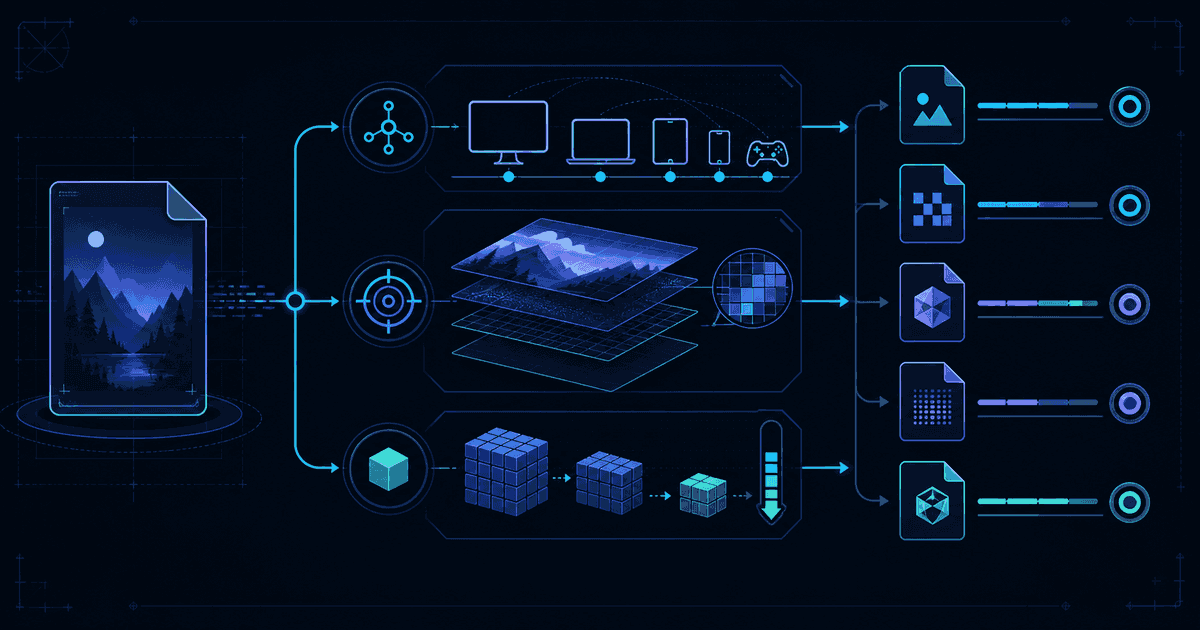
Choose a conversion target by balancing where the file must open, which details must survive, and how small the result genuinely needs to be.
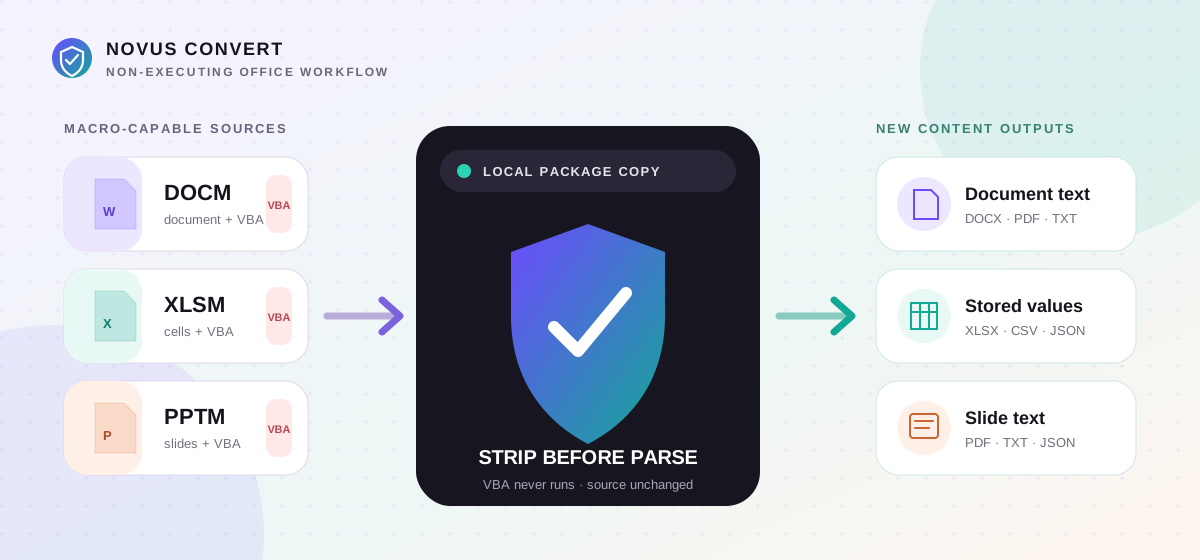
Extract useful document text, workbook values, and slide text from macro-enabled Office packages locally without interpreting or copying their VBA payloads.
Loading article filters…