How to Verify a File Conversion Before You Delete the Original
Use a practical post-conversion checklist for images, documents, media, archives, data, and 3D files—and learn what Novus Convert validates automatically.
A download button proves that bytes were produced; it does not, by itself, prove that the result is useful. A file can have the expected extension and still be truncated, contain the wrong stream, lose an important worksheet, flatten transparency, or open with a warning in the software that matters to you. Verification is the short step between conversion and cleanup. It is especially important before deleting a source file, sending a deliverable, or converting a whole archive in one batch.
Start with three different questions#
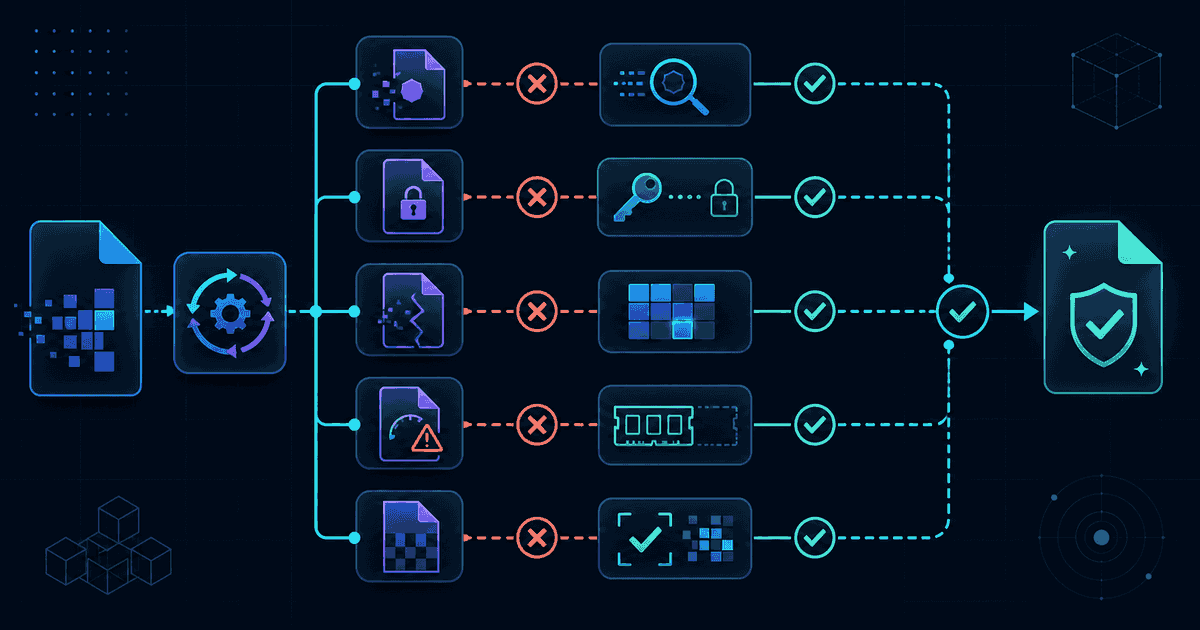
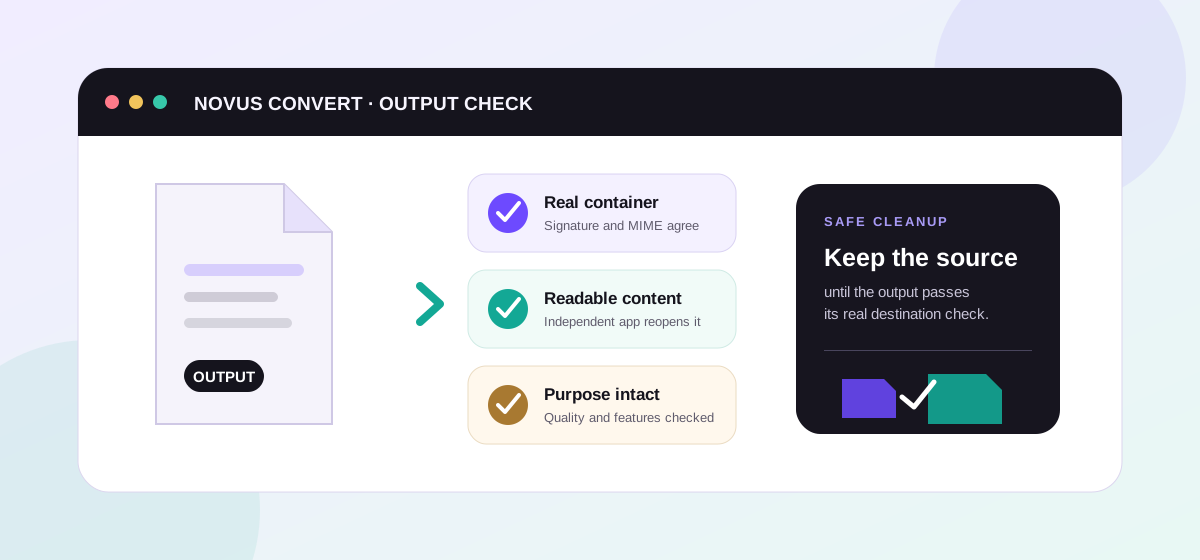
A reliable check has three layers. First, is the output structurally the format it claims to be? Second, can an independent reader reopen it and find the expected content? Third, did the conversion preserve the qualities that matter for this job? These questions are related but not interchangeable. A valid JPG can still be too soft, and a valid CSV can still omit the worksheet you meant to export.
- Structure: confirm the signature, container, MIME type, and a nonzero, plausible file size.
- Content: reopen the result in a separate viewer or editor and inspect representative material.
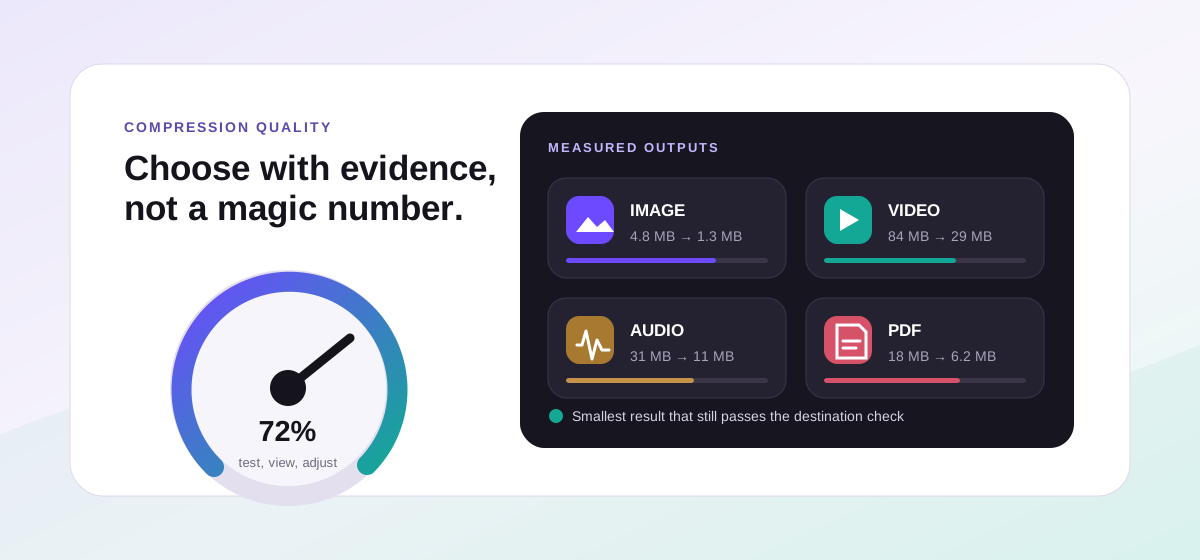
- Intent: compare dimensions, pages, tracks, records, color, transparency, metadata, or geometry against what the destination actually needs.
What Novus Convert checks automatically#
The browser converter does not unlock an export merely because an encoder returned data. It checks the result against the expected signature or container, verifies the chosen output type, rejects empty or mislabeled results, and calculates a SHA-256 checksum shown in the queue. Package formats receive deeper checks where possible: an EPUB needs its required package parts, archives must reopen safely, and structured binary outputs are parsed again before download. The documentation explains that local validation path in more detail.
Use a family-specific spot check#
You rarely need to inspect every byte manually. Choose a few checks that are sensitive to the kinds of loss the conversion could introduce. Open the result in software other than the converter tab when practical; that independent reader is more likely to expose a compatibility problem than downloading and immediately trusting the filename.
- Images: inspect pixel dimensions, orientation, transparency, color, and fine detail at 100% zoom. For HEIC to JPG, remember that JPG cannot keep transparency.
- Video and audio: play the beginning, a point in the middle, and the end. Confirm duration, picture-to-sound sync, channel layout, and any subtitles you expected to keep.
- PDF and documents: compare page count, headings, tables, links, special characters, and page breaks. Text-extraction routes are not promises of Word-perfect layout.
- Spreadsheets and data: verify column names, row counts, date and number interpretation, leading zeros, sheet selection, and a few values at the extremes.
- Archives and ebooks: extract or open the package in another application, confirm filenames and reading order, and check that nested folders or chapters survived.
- 3D and CAD: compare units, orientation, bounding size, vertex or face count, normals, materials, and whether a solid model was intentionally triangulated into a mesh.
Separate format trade-offs from conversion defects#
Some changes are inherent in the target. JPG has no alpha channel; CSV has no workbook formulas or multiple sheets; STL has no standard unit declaration or material system; plain text has no page layout. Those are not necessarily bugs. Review the target's profile in the format directory before choosing it, then judge the result against capabilities the format can actually carry. If the target cannot represent a feature you need, choose another route rather than repeatedly re-encoding.
For example, the HEIC to JPG converter is a strong compatibility move for photos, but it produces a new raster and intentionally does not promise every Apple container feature. A CSV-to-XLSX conversion can create a real workbook, yet cannot invent formulas that were never present in the CSV. Knowing the destination's limits turns a vague quality judgment into a concrete acceptance check.
Treat metadata as a separate decision#
Visible content and embedded metadata are different layers. A photo may look identical while losing EXIF camera details, location, or orientation tags. A media transcode may strip creation data. That can be a privacy benefit, but it is a loss if a newsroom or archive depends on those fields. Decide before conversion whether metadata should survive, then inspect it with a tool appropriate to the format. Do not assume that a visually correct result preserved hidden information.
For batches, sample intelligently and keep an audit trail#
A mixed batch deserves both automated and human checks. Review every error or warning in the queue, then open at least one result from each input/output combination. For high-value work, sample the largest file, the smallest file, and one file with awkward features such as transparency, unusual characters, many pages, or a long duration. The selected-download ZIP includes a manifest with names, formats, sizes, checksums, and validation state, which is useful when results move between people or storage systems.
A safe cleanup sequence#
- Convert a representative file first and note the output settings.
- Reopen it independently and run the family-specific checks that match your goal.
- Process the rest of the batch, review warnings, and sample edge cases.
- Save the validated outputs and manifest to their final destination.
- Keep the originals until the recipient, application, or backup has accepted the new files. Archive rather than delete when the source contains irreplaceable detail.
That sequence takes minutes and prevents the most expensive conversion mistake: discovering after cleanup that the target format discarded something important. For the full interface walkthrough, including queue behavior and downloads, continue with the Novus Convert tutorial.
Troubleshooting
No. An extension is only a label. Verify the real signature or container, reopen the file in an independent application, and inspect the content and qualities that matter for the destination.
Formats represent different features, and a successful target may intentionally omit metadata, layers, formulas, tracks, or precision. Keep the source until the new file has been accepted and backed up.
It is a checksum of the produced bytes. Matching checksums prove two copies are identical, but a checksum alone does not prove that the content meets your visual or business requirements.
Frequently asked questions
Does a correct file extension prove that conversion worked?
No. An extension is only a label. Verify the real signature or container, reopen the file in an independent application, and inspect the content and qualities that matter for the destination.
Why should I keep the original after a successful conversion?
Formats represent different features, and a successful target may intentionally omit metadata, layers, formulas, tracks, or precision. Keep the source until the new file has been accepted and backed up.
What does the SHA-256 value in the queue tell me?
It is a checksum of the produced bytes. Matching checksums prove two copies are identical, but a checksum alone does not prove that the content meets your visual or business requirements.
How much of a large batch should I inspect?
Review every warning and error, then open at least one result per conversion combination plus edge cases such as the largest, longest, most complex, or metadata-rich source. High-value archives may justify checking every output.
Can verification detect every quality problem automatically?
No. Structural tests catch corrupt or mislabeled outputs, and independent decoders catch many compatibility errors. Human review is still needed for intent-specific details such as color, layout, sync, reading order, and whether the chosen format preserves required features.