AVIF vs WebP vs JPG: Which Modern Image Format Should You Ship?
A practical comparison of AVIF, WebP, and JPG (compression, quality, browser support, and transparency), so you can pick the right format for the web.
Every image you put on a web page is a small bet. Choose a format that is too old and you ship megabytes you never needed to; choose one that is too new and some visitors get a broken image where a photo should be. AVIF, WebP, and JPG are the three formats that decision usually comes down to today, and they sit at three different points along the same trade-off: how small the file is versus how many devices can open it. This is a practical look at how they differ (in compression, quality, browser support, and transparency), so you can pick the one that is right for the page in front of you.
The three formats, at a glance#
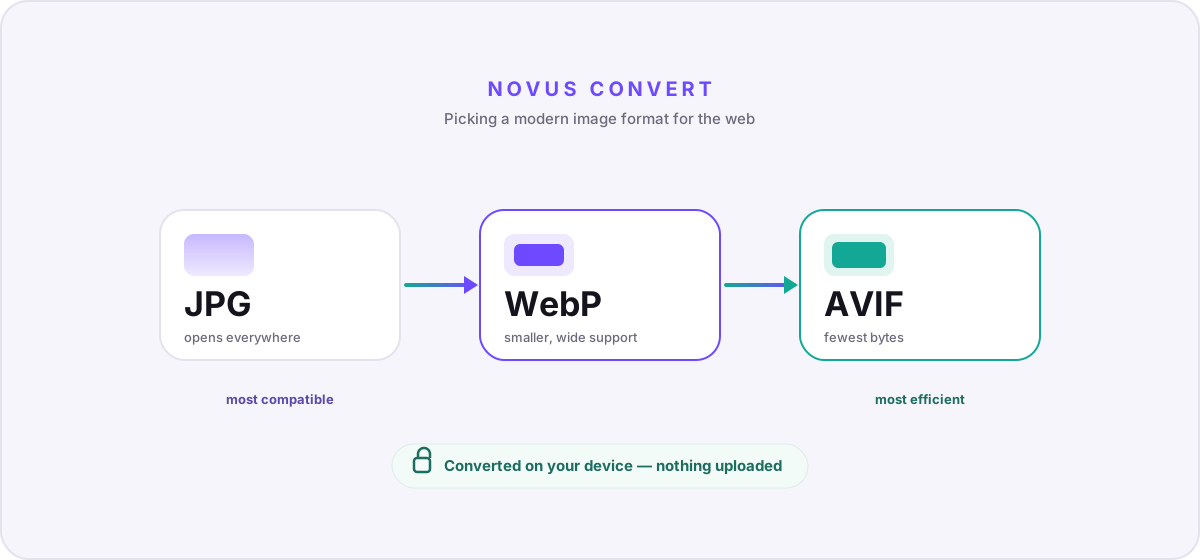
- JPG: the universal baseline. Lossy, no transparency, and the least efficient of the three, but it opens on literally everything, from a 2005 phone to an upload form that has never been updated.
- WebP: the modern default. Smaller than JPG, handles both lossy and lossless modes, supports transparency and animation, and is safe to ship almost everywhere now.
- AVIF: the efficiency leader. The smallest files at a given visual quality plus rich color support, at the cost of slower encoding and support that is good but not yet as bulletproof as JPG.
Compression and quality: what you actually save#
Line the three up on the same photograph at a matched visual quality and they fall in a predictable order. JPG produces the largest file. WebP is typically meaningfully smaller: often in the range of a quarter to a third smaller than an equivalent JPG. AVIF is smaller again, frequently beating WebP by a similar margin, which can turn a heavy hero image into a fraction of its JPG weight. The gap is widest on smooth gradients and large areas of flat color, where JPG’s older block-based compression tends to show visible banding and mosquito noise that AVIF handles cleanly.
There is a cost on the other side of that saving: encoding time. AVIF is built on the AV1 video codec, and at its higher-quality settings it is genuinely slow to compress: far slower than JPG, and slower than WebP too. For a static asset you encode once and then serve to everyone, that is a non-issue; you pay the cost a single time. For images you generate on the fly, it matters, and it is one reason plenty of teams still reach for WebP as the pragmatic middle ground. Decoding, happily, is fast enough for all three that your visitors will never feel it.
Browser support: the part that quietly decides everything#
Efficiency only helps if the image actually renders. JPG is the safe floor. There is no browser, printer, or upload form that cannot read it. WebP is now supported across every current mainstream browser and has been for years, which is why it has quietly become the default for so many sites. AVIF support is good and still growing across modern browsers, but it arrived later, and the long tail of older devices and embedded in-app webviews is thinner. You can check the specifics on the AVIF format page and the WebP format page. The practical upshot is simple: WebP you can usually ship on its own, while AVIF you ship with a fallback underneath it.
Transparency and animation#
If your image needs a transparent background, JPG is out of the running. It has no alpha channel, so a logo exported to JPG lands on a solid rectangle, usually white. Both WebP and AVIF carry full transparency, so either one can replace a heavy transparent PNG at a fraction of the size. Animation follows the same pattern: WebP and AVIF both support animated sequences, while JPG is single-frame only. If you are replacing an animated GIF, an animated WebP or AVIF will be dramatically smaller. Though for anything longer than a few seconds, a real video file will be smaller still.
So which should you ship?#
- Needs to open literally anywhere, or it is going into an email or an upload form → JPG.
- A normal image on a site you control → WebP on its own is the low-effort win.
- A large hero, a big gallery, or anywhere bytes are precious → AVIF, with a WebP or JPG fallback.
- Transparency or animation without the weight of PNG or GIF → WebP or AVIF.
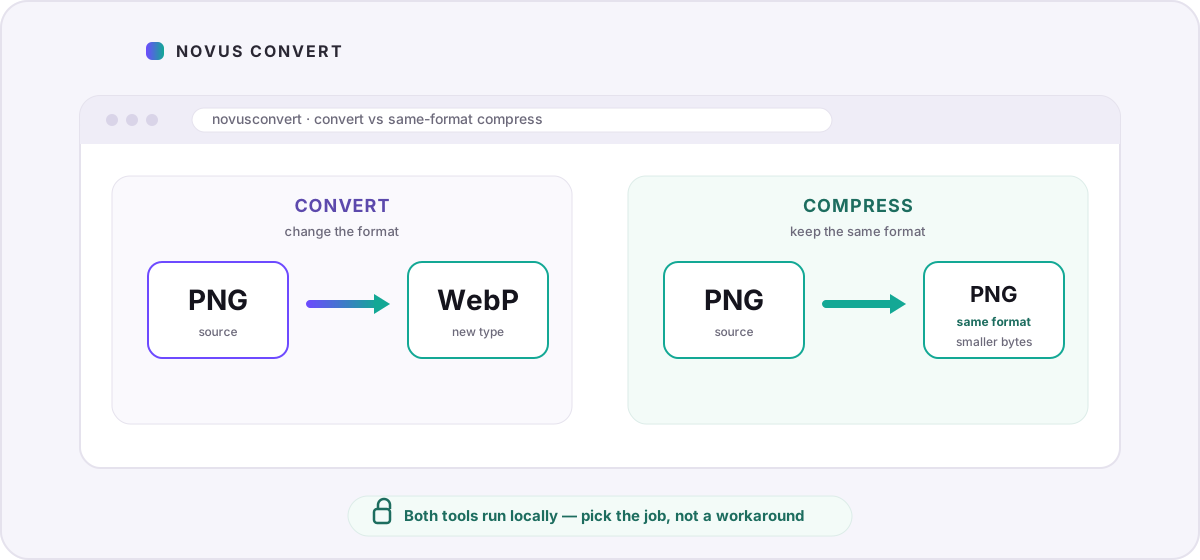
You can move between all three without uploading anything. Convert AVIF to WebP when you need broader reach from an efficient master, or go the other way and turn WebP into AVIF to squeeze a gallery down further. If your goal is smaller files in the same format rather than a format change, the compression tools let you dial in quality and watch the savings before you download. And for the wider picture, including where PNG and HEIC fit, see our full image-format comparison.
Troubleshooting
Not always. AVIF usually compresses more efficiently at a given quality and supports wider color and high dynamic range, so byte-for-byte it tends to win. But it encodes more slowly and its browser support, while good, is slightly less universal than WebP’s. For a static asset served to a general audience with a fallback in place, AVIF is a strong pick; for something generated on the fly or shipped without a fallback, WebP is often the safer default.
No. JPG remains the format you reach for whenever an image absolutely must open everywhere: email attachments, upload forms, older devices, and software you do not control. It is the least efficient of the three, but its universal support is exactly why it still belongs in your toolkit, most often as the final fallback beneath AVIF and WebP.
For a public web page, yes. AVIF is well supported in current browsers but not in every older device or in-app webview, so serving it alone risks a broken image for part of your audience. The standard approach is a <picture> element that lists AVIF first, WebP next, and a JPG in the img tag last, letting each browser take the best format it understands.
Frequently asked questions
Is AVIF always better than WebP?
Not always. AVIF usually compresses more efficiently at a given quality and supports wider color and high dynamic range, so byte-for-byte it tends to win. But it encodes more slowly and its browser support, while good, is slightly less universal than WebP’s. For a static asset served to a general audience with a fallback in place, AVIF is a strong pick; for something generated on the fly or shipped without a fallback, WebP is often the safer default.
Should I stop using JPG entirely?
No. JPG remains the format you reach for whenever an image absolutely must open everywhere: email attachments, upload forms, older devices, and software you do not control. It is the least efficient of the three, but its universal support is exactly why it still belongs in your toolkit, most often as the final fallback beneath AVIF and WebP.
Do I need a fallback if I use AVIF?
For a public web page, yes. AVIF is well supported in current browsers but not in every older device or in-app webview, so serving it alone risks a broken image for part of your audience. The standard approach is a <picture> element that lists AVIF first, WebP next, and a JPG in the img tag last, letting each browser take the best format it understands.
Can WebP and AVIF replace transparent PNGs?
Yes. Both WebP and AVIF support a full alpha channel, so they can reproduce transparent logos, icons, and cut-outs at a fraction of the size of an equivalent PNG. JPG cannot. It has no transparency, so exporting a transparent image to JPG flattens it onto a solid background.
Can I convert between AVIF, WebP, and JPG without uploading?
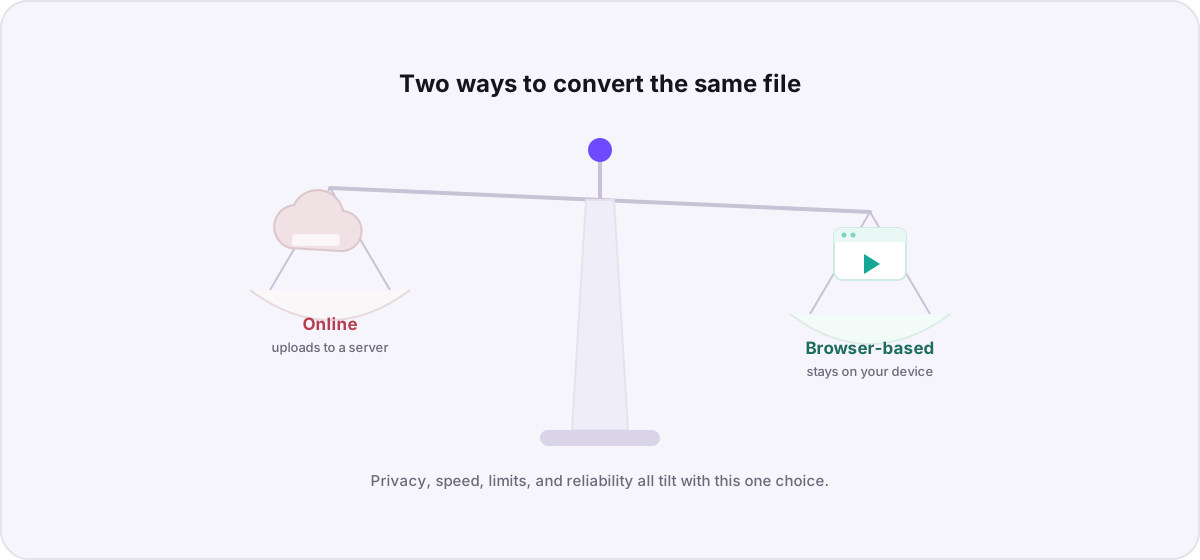
Yes. Novus Convert decodes and re-encodes images entirely in your browser using WebAssembly codecs, so you can move between AVIF, WebP, and JPG without any file leaving your device. Because there is no upload step, batches run at your device’s speed rather than your connection’s, and each export is signature-validated before you can download it.