Convert Camera RAW (CR2, NEF, ARW) to JPG Without Desktop Software
Develop Canon, Nikon, and Sony RAW files into shareable JPGs locally with a LibRaw WebAssembly decoder: no Lightroom, no cloud, no uploads.
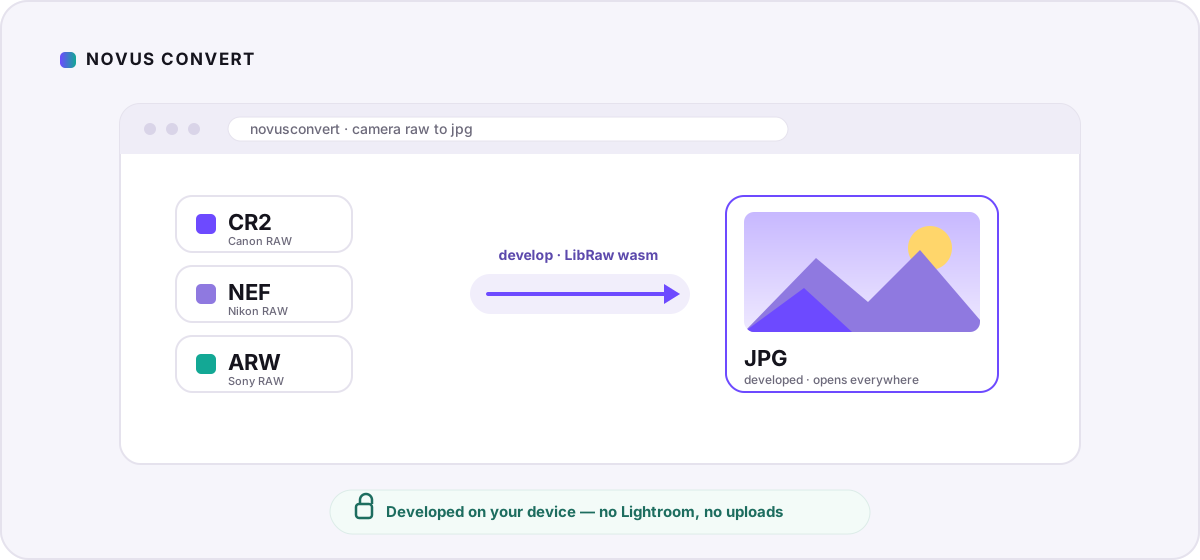
Your memory card is full of files your phone refuses to preview and most websites reject on upload: .CR2 from Canon, .NEF from Nikon, .ARW from Sony. These are camera RAW files, and they are not really finished photos yet. They are the unprocessed readout from the sensor. This guide covers turning them into ordinary JPGs you can share, print, or post, and doing it the private way: the whole develop happens inside your browser, so your shots never leave your device.
What a RAW file actually is#
A JPG is a finished picture. A RAW file is the raw material. When the shutter fires, each photosite on the sensor records a single brightness value through a colored filter arranged in a repeating grid, the Bayer pattern. On its own that is a grayscale mosaic, not a color image. Turning it into something you can look at means demosaicing (interpolating full color for every pixel), applying a white balance, mapping the sensor's linear light onto a display tone curve, and converting into a standard color space. Your camera does all of that instantly to show you a preview; a RAW workflow just lets you do it later, with more control.
CR2, NEF, and ARW are three manufacturers' containers for the same idea. Canon's DSLRs wrote CR2 (newer mirrorless bodies use CR3); Nikon uses NEF; Sony uses ARW. Each wraps the sensor data together with lens and exposure metadata and, usually, a full-size JPG preview: the image your camera showed on its screen. Some quick converters simply extract that embedded preview. That is fast, but it is capped at whatever the camera baked in. Novus Convert instead runs a full develop with LibRaw, an open-source RAW decoder compiled to WebAssembly, so the JPG comes from the actual sensor data rather than a thumbnail.
Develop RAW to JPG in your browser#
On the CR2 to JPG converter, LibRaw reads the sensor mosaic, applies the white balance your camera recorded, demosaics to full color, and maps everything through a standard sRGB tone curve. The result is a normal 8-bit JPG that opens anywhere. Here is the whole flow:
- Open the CR2 to JPG route, or drop a mix of RAW files into the general batch converter.
- Drag your .cr2, .nef, or .arw files onto the drop zone, or tap to browse. You can queue a full card's worth at once.
- Leave the output set to JPG. Each file has its own output picker, so you can send one to PNG if you want a lossless intermediate to edit further.
- Let the local engine develop each frame. Because nothing uploads, speed tracks your device's CPU rather than your connection, and a RAW develop is heavier than a plain image convert, so large batches take a moment.
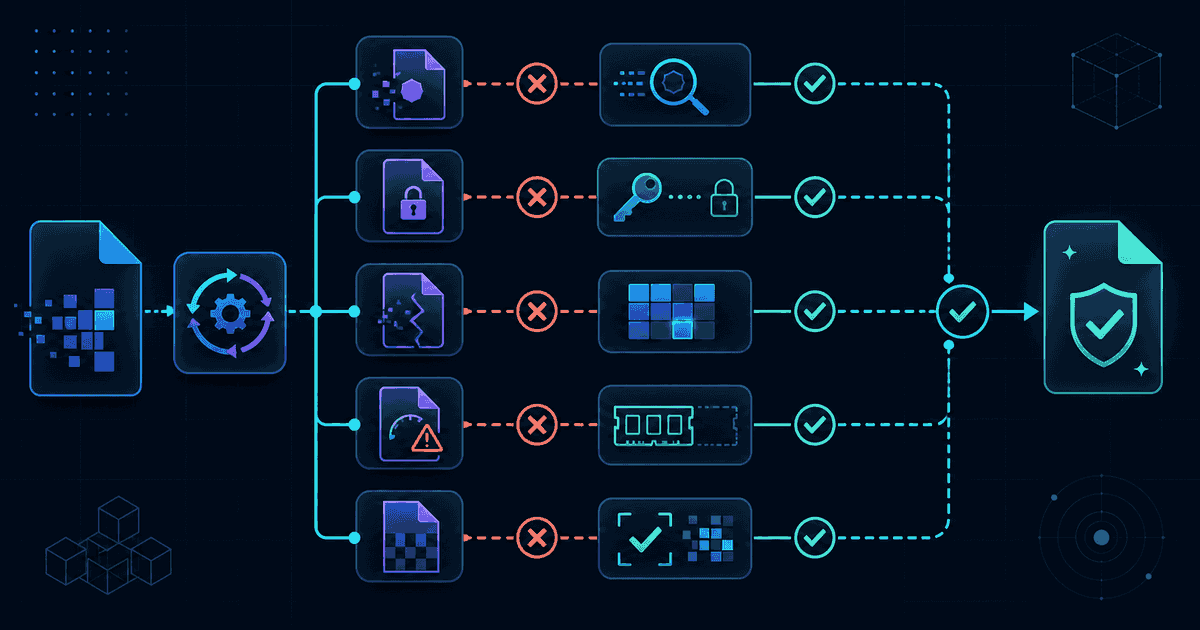
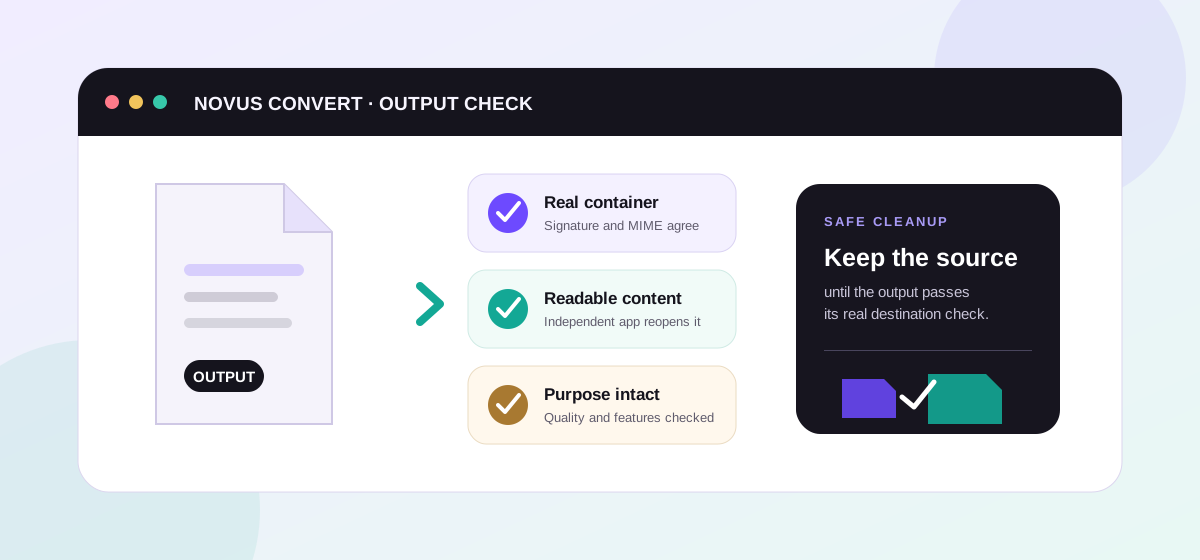
- Download each JPG once it is ready. Novus Convert checks the real JPEG signature before the download unlocks, so you never save a truncated or broken file.
What you gain, and what you give up#
The reason photographers shoot RAW is latitude. A 14-bit NEF or ARW holds far more tonal information than an 8-bit JPG can carry: enough to recover a blown-out sky or lift deep shadows long after the shutter closed, and to reset white balance as if you were back at the scene. A JPG bakes those decisions in permanently. So converting is a develop, not a copy: you are committing to a single rendering and discarding the headroom around it. For everyday sharing that is exactly what you want. For serious retouching, develop from the original file instead, where the latitude still exists.
Canon, Nikon, and Sony: same job, different files#
The develop is essentially identical across brands, but the files differ in the details LibRaw has to account for: sensor layout, the exact color-filter response, and each maker's way of encoding white balance. That is why the routes are split by extension: NEF to JPG for Nikon and ARW to JPG for Sony sit alongside the Canon route, each set up for that manufacturer's container. Whichever you reach for, the pipeline and the privacy guarantee are the same.
If your goal is a folder of web-ready JPGs rather than archival exports, develop the whole batch at once and then run the results through our local compression tools to trim file size before you post or email them. And if you would rather hand someone a lossless intermediate to keep editing, point the output at PNG on the main converter instead of JPG.
Troubleshooting
It changes the kind of file you have more than it degrades the picture. A RAW file holds 12 to 14 bits of tonal information per channel; a JPG holds 8 and is lossy, so the develop bakes in a single white balance and tone rendering and discards the editing headroom around it. For viewing, sharing, and printing at normal sizes the JPG looks great. Keep the original RAW if you plan to edit heavily later.
No. Novus Convert decodes and develops your CR2, NEF, or ARW entirely in your browser using a WebAssembly build of LibRaw, then re-encodes to JPG in your device's memory. Nothing is sent to a server, so the file, and its embedded location and camera metadata, never leaves your machine.
CR2 is Canon's RAW format from its DSLR era; newer Canon mirrorless bodies use CR3. NEF is Nikon's RAW format across its DSLR and mirrorless cameras. ARW is Sony's RAW format for its Alpha line. They are different containers for the same underlying idea: unprocessed sensor data plus metadata.
Frequently asked questions
Does converting RAW to JPG lose quality?
It changes the kind of file you have more than it degrades the picture. A RAW file holds 12 to 14 bits of tonal information per channel; a JPG holds 8 and is lossy, so the develop bakes in a single white balance and tone rendering and discards the editing headroom around it. For viewing, sharing, and printing at normal sizes the JPG looks great. Keep the original RAW if you plan to edit heavily later.
Is my RAW file uploaded anywhere?
No. Novus Convert decodes and develops your CR2, NEF, or ARW entirely in your browser using a WebAssembly build of LibRaw, then re-encodes to JPG in your device's memory. Nothing is sent to a server, so the file, and its embedded location and camera metadata, never leaves your machine.
Which cameras produce CR2, NEF, and ARW files?
CR2 is Canon's RAW format from its DSLR era; newer Canon mirrorless bodies use CR3. NEF is Nikon's RAW format across its DSLR and mirrorless cameras. ARW is Sony's RAW format for its Alpha line. They are different containers for the same underlying idea: unprocessed sensor data plus metadata.
Why is RAW conversion slower than converting a normal photo?
A RAW develop does real work: it reads a large sensor file, interpolates full color for every pixel (demosaicing), applies white balance, and maps the result through a tone curve before encoding a JPG. Since all of that runs locally with no server to offload to, the time depends on your device's CPU and the size of your files rather than your internet speed.
Should I convert to JPG or keep the RAW?
Do both. Export a JPG when you need something universally shareable, and keep the original RAW, or an archival DNG, as your master. That way you always have a compatible copy to send and the full-latitude original to re-develop or edit down the road.