Convert PNG or JPG to SVG with Private Browser-Based Image Tracing
Trace logos, line art, and flat graphics into scalable SVG paths locally, with practical quality controls and honest limits for photographs.
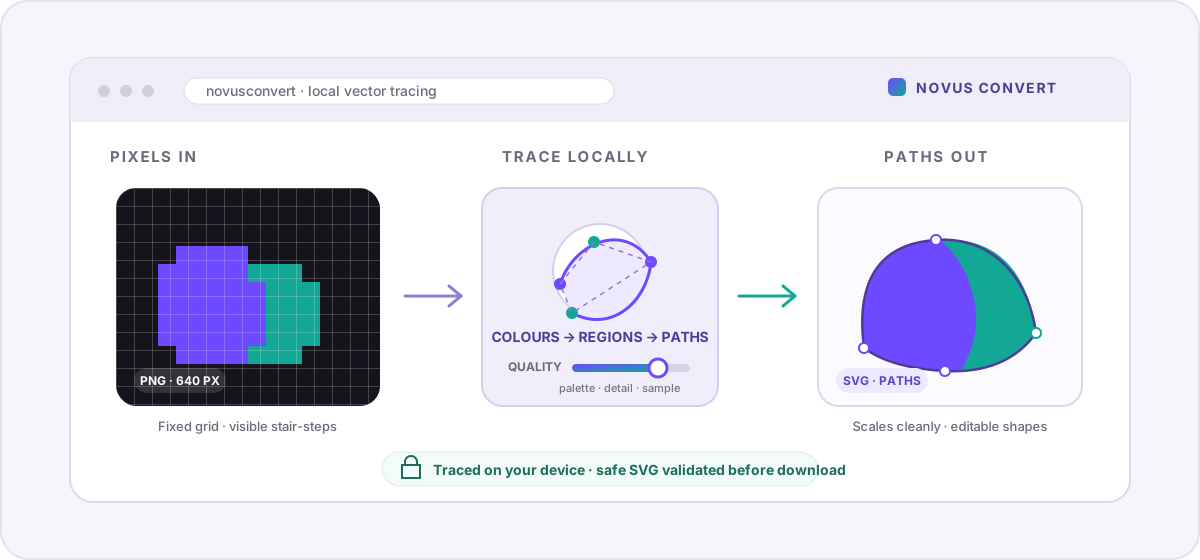
A small PNG logo can look perfectly sharp in an email and turn into a staircase of pixels the moment it is enlarged for a sign, shirt, or slide. SVG solves the scaling problem, but only if the file contains real shapes. Changing .png to .svg or placing the bitmap inside an SVG wrapper does not invent those shapes. Novus Convert uses image tracing instead: it studies the colours in the raster, follows the boundaries between them, and writes those regions as vector paths entirely in your browser.
Tracing is reconstruction, not a file rename#
PNG and JPG files are grids of coloured pixels. They have a fixed width and height, and enlarging them eventually reveals the grid. An SVG is a set of drawing instructions: fill this path purple, draw that curve in mint, place this shape at these coordinates. Because those instructions can be recalculated at any size, a true vector stays crisp on a favicon, a poster, or a cutting plotter. Tracing is the bridge between the two representations, but the bridge has to interpret the picture rather than copy it exactly.
The tracer groups similar pixels into a limited palette, outlines each surviving region, and fits paths around the boundaries. That makes the result editable and resolution-independent, but it also explains why source choice matters. A two-colour logo has a few meaningful regions and becomes a compact drawing. A photograph has thousands of tiny colour and texture changes; treating every one as a shape produces a noisy, heavy SVG that is harder to edit and often larger than the original photo.
- Excellent candidates: logos, icons, flat illustrations, signatures, diagrams, high-contrast line art, and simple screen graphics.
- Possible with cleanup: scanned drawings, textured marks, artwork with soft antialiasing, and graphics with a moderate number of colours.
- Usually poor candidates: portraits, landscapes, product photography, gradients, shadows, film grain, and anything whose value comes from subtle continuous tone.
How to trace an image with Novus Convert#
Use the PNG to SVG converter for transparent artwork and screenshots, or the JPG to SVG converter for a JPEG source. Both routes use the same local tracer and expose the same quality control; the source format only changes how the original pixels are decoded.
- Start with the cleanest, largest version of the artwork you have. Cropping empty surroundings and removing photographic noise before tracing gives the path finder less ambiguity.
- Drop the PNG or JPG into the route. The browser decodes it locally and prepares a bounded working copy for the tracer.
- Set the quality. A lower value favours fewer colours, fewer tiny regions, and a lighter SVG; a higher value samples more detail and preserves a broader palette.
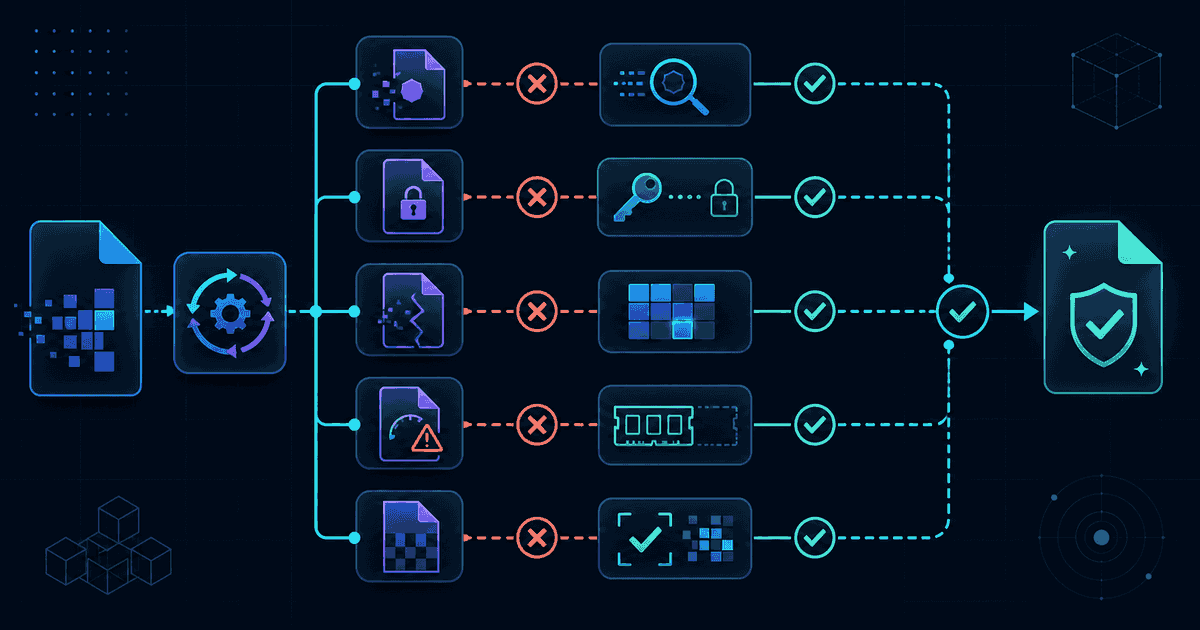
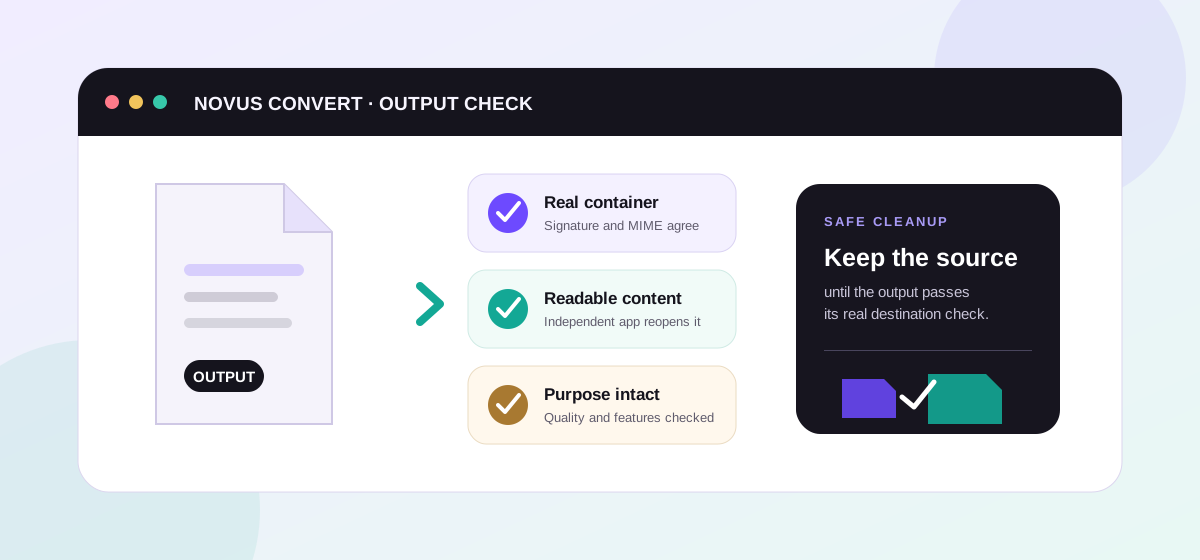
- Convert the file and wait for validation. The result must contain actual paths, include a scalable viewBox, and pass the app’s SVG safety checks before download.
- Open the SVG at a large zoom or in a vector editor. Check small lettering, interior holes, corners, and colour boundaries before sending it to print or fabrication.
What the quality slider actually changes#
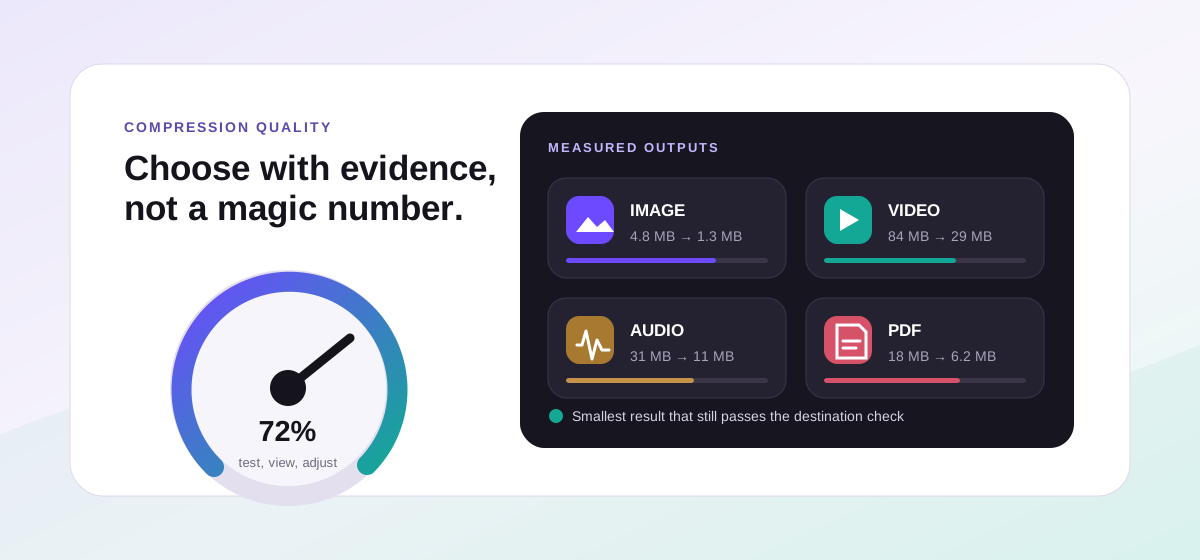
Quality is not a generic polish switch. In the tracer it changes three related decisions: how many colours may survive, how large a working sample the algorithm examines, and how small a region can be before it is omitted. At the low end, the palette is deliberately tight and small specks disappear, which can turn a noisy scan into a clean emblem. At the high end, the tracer keeps more colours and samples a longer edge, preserving more corners and interior detail at the cost of additional paths and a larger file.
There is still a guardrail at the detailed end. Tiny photo noise is never allowed to explode unchecked into hundreds of thousands of paths, and a traced drawing that grows beyond the app’s useful output limit is refused with advice to lower quality. The downloaded SVG also receives a matching viewBox, which is the part that lets design tools and browsers resize the drawing without treating its original pixel dimensions as a fixed canvas.
A practical cleanup workflow#
Treat an automatic trace as a strong first draft. In a vector editor, delete isolated specks, merge shapes that should share a colour, simplify lumpy edges, and redraw important lettering instead of accepting traced letterforms as a substitute for the original font. For a cutting machine or laser, inspect overlapping paths and holes carefully. For print, confirm the colours and page size with the vendor. The cleaner the source and the simpler the visual language, the less manual cleanup the SVG needs.
The SVG format guide explains the container and its safety trade-offs in more depth. If you later need a fixed-size copy for a social post or an older app, use SVG to PNG to rasterize the cleaned vector at the size you need. And when scalability is not the goal at all, the guide to PNG versus WebP is a better starting point than tracing every image into paths.
Troubleshooting
Not directly. The tracer reconstructs coloured regions as paths, so the new shapes can scale cleanly, but it cannot recover detail that was absent from the source. A crisp, high-resolution logo traces well; a tiny blurred image produces smooth paths around the blur. Start with the best source available and inspect the result rather than assuming the extension guarantees quality.
Photographs contain continuous tone, texture, and noise, which the tracer must approximate with many flat coloured regions. Each region becomes path data, so complexity and file size climb quickly while editability falls. SVG tracing is best for graphics whose visual structure already resembles shapes; keep photographs as JPG, WebP, or AVIF unless you deliberately want a stylized poster effect.
Begin near the middle and compare the result at large zoom. Move lower if the SVG contains stray specks or too many near-duplicate colours; move higher if small intentional details or curved corners disappear. The best setting is the lowest one that preserves the shapes you actually need, because fewer paths are easier to edit and usually produce a lighter file.
Frequently asked questions
Does converting PNG to SVG make the original pixels infinitely sharp?
Not directly. The tracer reconstructs coloured regions as paths, so the new shapes can scale cleanly, but it cannot recover detail that was absent from the source. A crisp, high-resolution logo traces well; a tiny blurred image produces smooth paths around the blur. Start with the best source available and inspect the result rather than assuming the extension guarantees quality.
Why does a photograph produce such a complicated SVG?
Photographs contain continuous tone, texture, and noise, which the tracer must approximate with many flat coloured regions. Each region becomes path data, so complexity and file size climb quickly while editability falls. SVG tracing is best for graphics whose visual structure already resembles shapes; keep photographs as JPG, WebP, or AVIF unless you deliberately want a stylized poster effect.
What quality setting should I use for a logo?
Begin near the middle and compare the result at large zoom. Move lower if the SVG contains stray specks or too many near-duplicate colours; move higher if small intentional details or curved corners disappear. The best setting is the lowest one that preserves the shapes you actually need, because fewer paths are easier to edit and usually produce a lighter file.
Is the generated SVG safe to open on a website?
Novus Convert validates the generated markup before download, rejects active content such as scripts and unsafe URL schemes, requires real paths, and adds a scalable viewBox. That produces a deliberately simple drawing rather than an arbitrary uploaded SVG document. As with any asset, you should still review the output before publishing it in a production design system.
Are my images uploaded for vector tracing?
No. The source is decoded into pixels in your browser, traced locally, and written back as an SVG in temporary browser memory. The image and the paths are not sent to a remote tracing service. This makes the workflow suitable for private logo drafts, signatures, diagrams, and client artwork that should not enter a third-party account.