Translation Files: Moving Between PO, XLIFF, strings and ARB
Every platform invented its own container for translatable text, and translators use tools that read only some of them. What survives a conversion, and what you must never let it touch.
Translatable text is stored in a different container by almost every platform that has ever shipped. Gettext produced PO. The localisation industry standardised on XLIFF. Apple uses strings. Flutter uses ARB. Android has its own XML. They all hold the same thing: a key, a source phrase, and a translation.
The friction is that translators work in tools that read one or two of these, and developers work in whatever their framework chose. Converting between them is routine, and there are a few things you should be careful with.
What each format is#
- PO is the gettext catalogue. It carries the source string, the translation, translator comments, source references and a fuzzy flag for entries that need review. It is plain text and diffs beautifully.
- XLIFF is the XML interchange standard the translation industry actually runs on. Nearly every professional tool imports and exports it, which makes it the right handover format.
- strings is Apple's key-value format: simple, effective, and without much room for metadata.
- ARB is JSON with conventions, used by Flutter, and it can carry per-message descriptions and placeholder definitions.
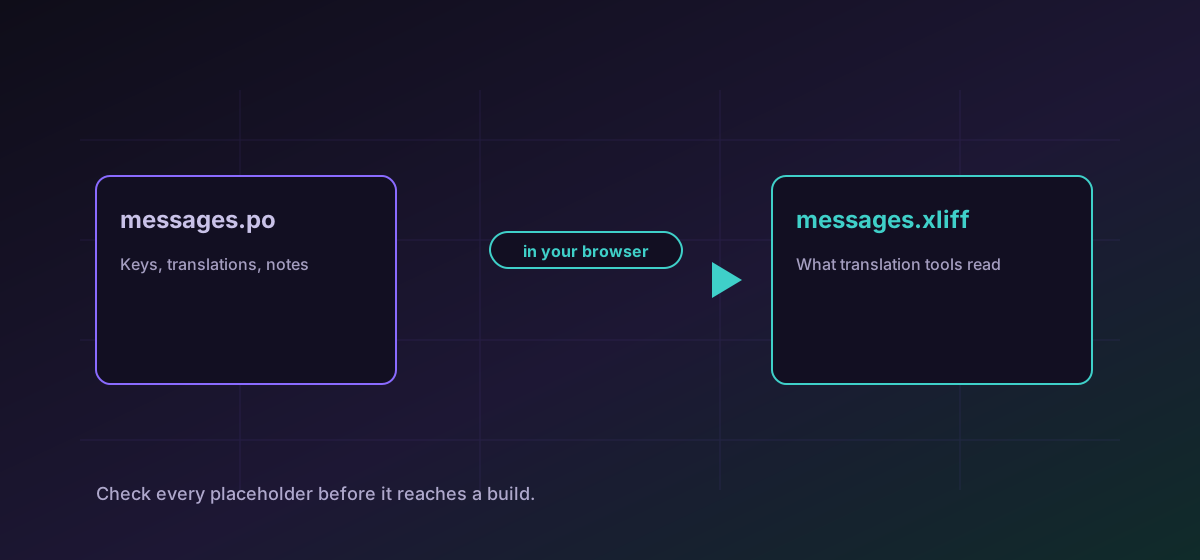
To hand work to a translation agency, convert PO to XLIFF. To bring the finished work back, convert XLIFF to PO. To move Apple strings into a Flutter project, convert strings to ARB.
The part that matters: placeholders#
Translatable strings contain placeholders, and every platform spells them differently. Gettext uses printf-style tokens. Apple has its own variants. ARB uses named braces. These are not decorative: a placeholder that is altered, reordered or dropped produces a string that crashes or displays nonsense at runtime.
Metadata that may not survive#
- Plural forms. Gettext encodes plurals with an expression per language; not every target format expresses them the same way, and some cannot.
- The fuzzy flag. PO marks entries as needing review. If the target has no equivalent, that warning is lost and an unreviewed translation can look finished.
- Source references. The file and line a string came from is useful context for a translator and is not universally supported.
- Comments. Translator notes are frequently the only explanation of what a string means in context.
None of these make conversion wrong. They make it worth checking which ones your workflow depends on before a round trip.
Practical advice for a round trip#
- Keep the original catalogue in version control. It is the reference for what was lost.
- Convert, then diff the entry count. A round trip that returns fewer strings dropped something.
- Spot-check strings with placeholders, plurals and long text specifically. Short simple strings almost never break.
- Run the application in the target language before release rather than trusting the file.
The general habit is covered in verifying conversion results, and if the content is subtitle timing rather than interface text, the subtitle guide is the right one.
Troubleshooting
Almost always a placeholder that was altered or dropped. Compare the tokens in that string against the source entry.
Plural handling differs by format and by language. Check whether the target format expresses plural rules at all before assuming the data converted.
Entry keys probably did not match. Compare a few keys between the original and the returned file; a key change breaks the join even when every translation is present.
PO fuzzy markers have no equivalent in several targets. Track review state outside the file if the round trip must preserve it.
Frequently asked questions
Which format should I send to translators?
XLIFF. It is the interchange standard the translation industry actually uses, and nearly every professional tool imports and exports it without special handling.
Will converting rewrite my placeholders?
No, and it should not. A conversion moves text between containers; placeholder syntax belongs to the platform that renders the string. Review every string containing a token before it reaches a build.
Do translator comments survive?
It depends on the target. PO and XLIFF both carry notes; simpler key-value formats have nowhere to put them. Check before a round trip if your translators rely on context notes.
Why did my plurals break?
Gettext encodes plural rules as an expression per language, and not every format expresses plurals the same way or at all. Verify plural strings specifically rather than sampling at random.
Is my catalogue uploaded anywhere?
No. The conversion runs entirely in your browser. A catalogue for an unreleased feature is a clear description of that feature, so keeping it local is worth more than it might first appear.