Guides & How-tos
How to Convert PNG to WebP (and JPG) to Shrink Web Images
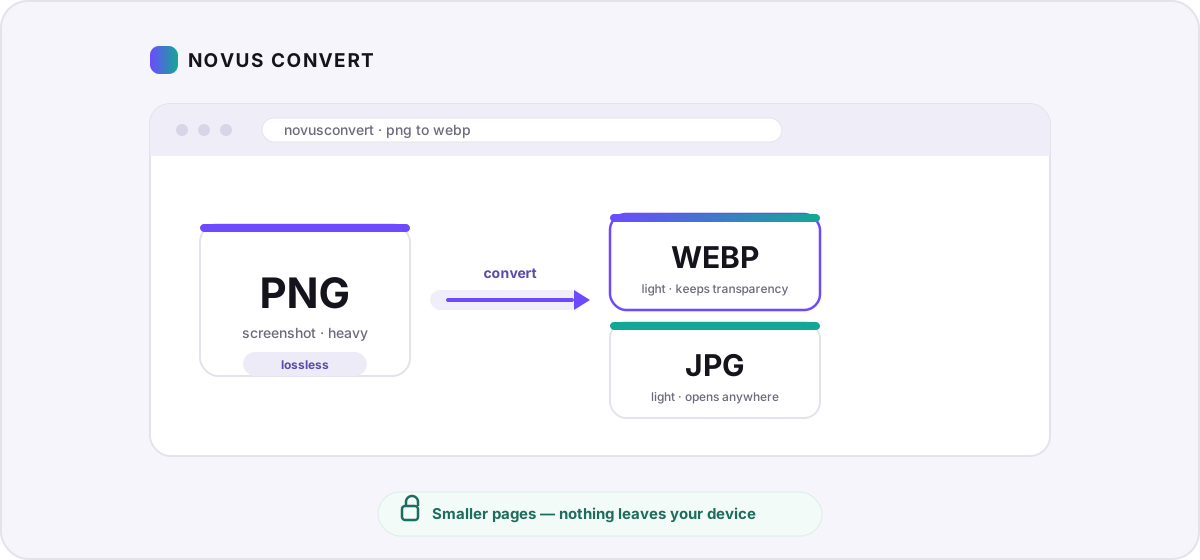
Turn heavy PNG screenshots and graphics into lightweight WebP or JPG in your browser — smaller pages, no uploads, and measured savings you control.
Guides, format comparisons, and privacy explainers on private, browser-first file conversion.
Turn heavy PNG screenshots and graphics into lightweight WebP or JPG in your browser — smaller pages, no uploads, and measured savings you control.
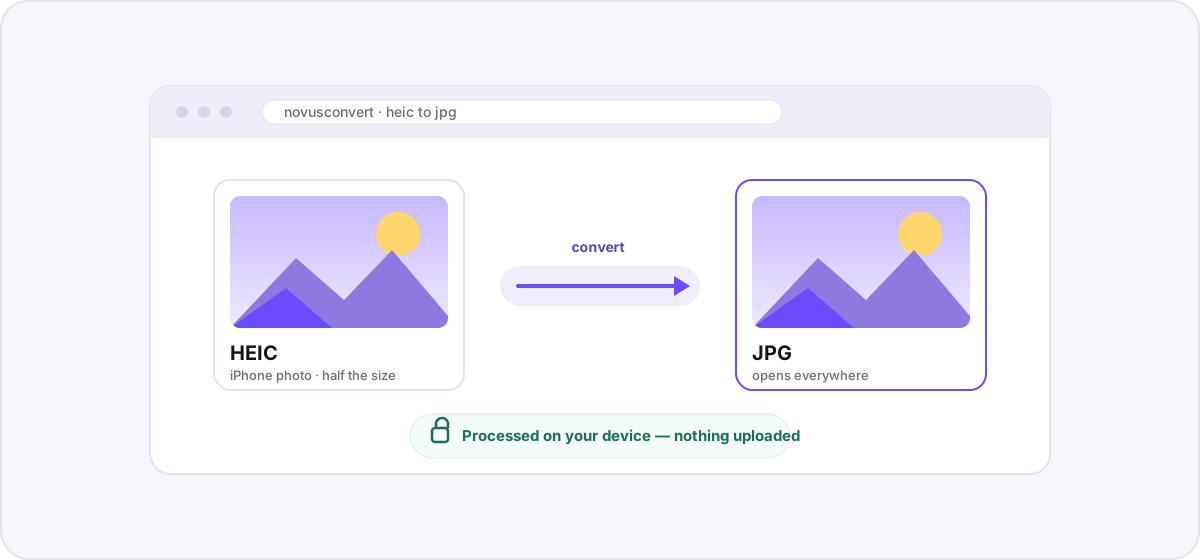
A private, step-by-step guide to turning iPhone HEIC photos into universally compatible JPGs entirely in your browser — no uploads, no accounts, no waiting.
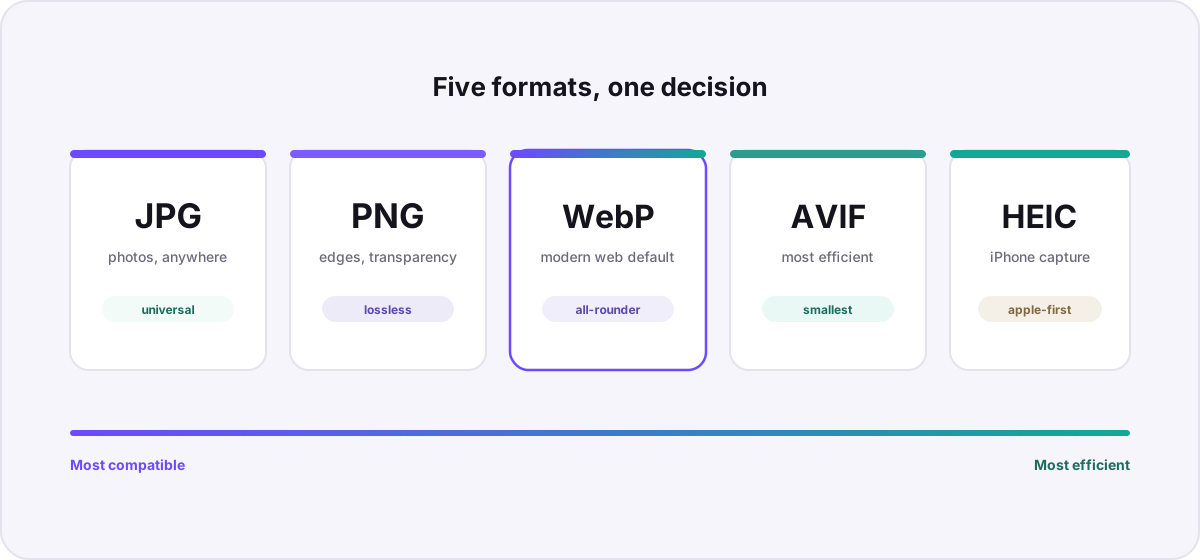
A practical comparison of the five image formats that matter most today — how they differ in compression, quality, transparency, and support — with clear guidance on when to pick each.
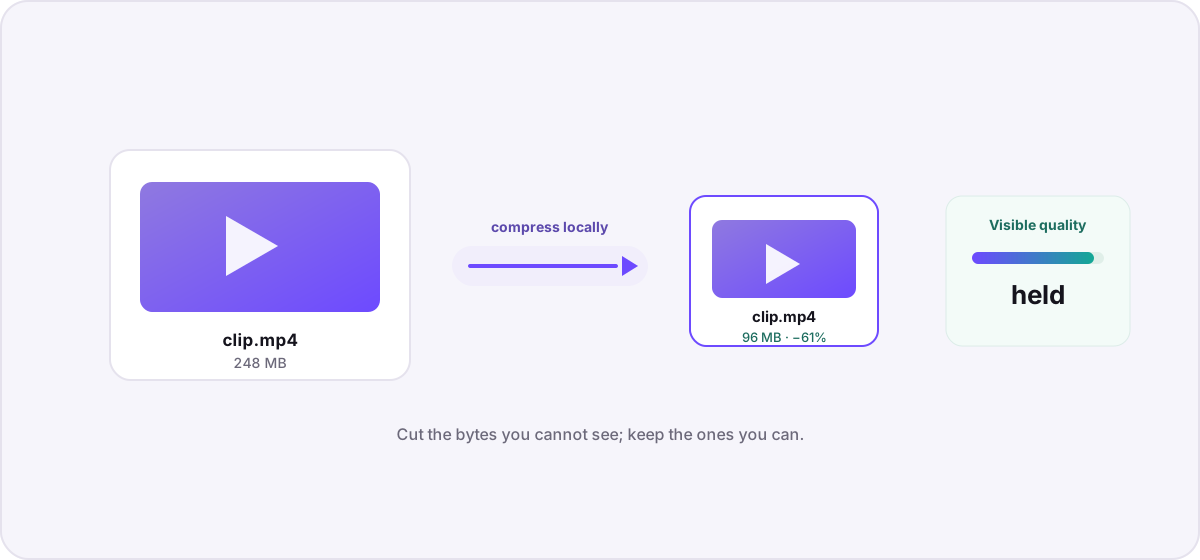
Understand what actually makes a video file large, then compress it locally — no uploads, no watermarks — using bitrate, resolution, and codec choices that preserve visible quality.
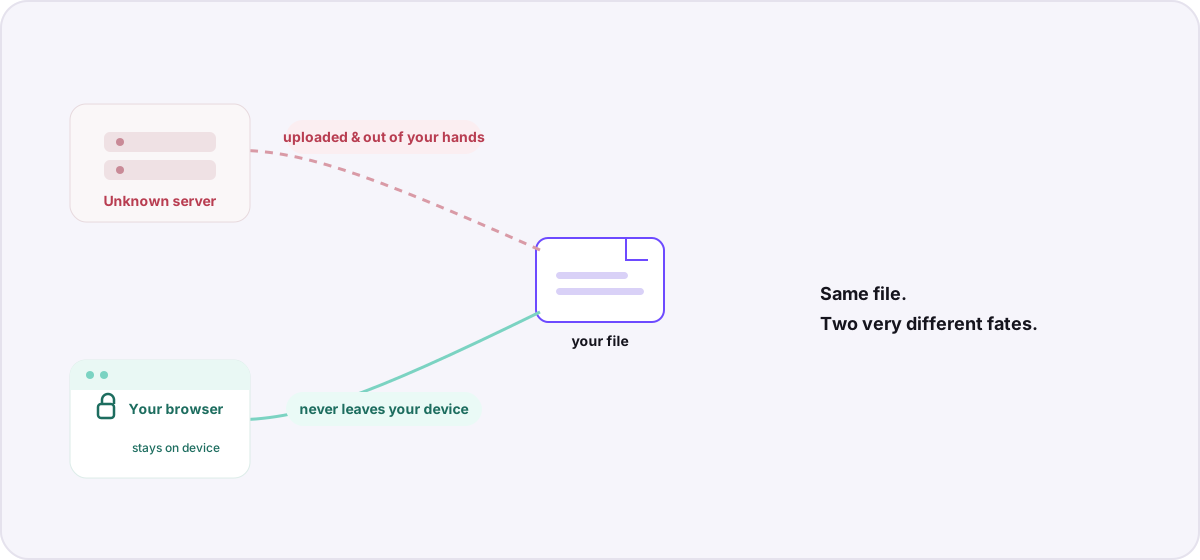
Most “free online converters” quietly upload your documents and photos to a server. Here is what that actually means for your privacy — and how browser-based conversion avoids it.
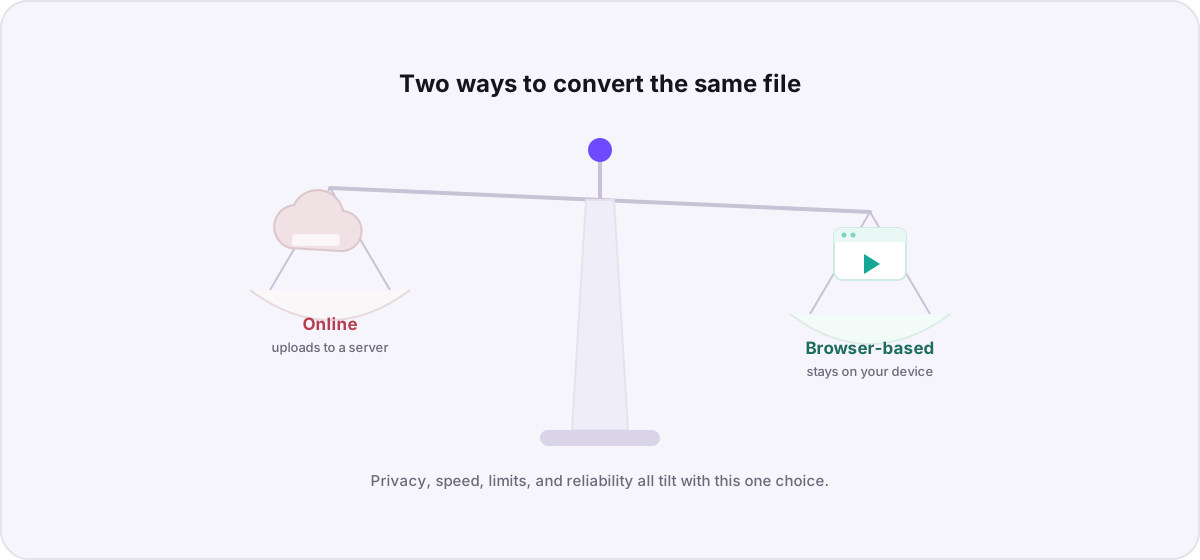
“Online converter” and “browser-based converter” sound identical but work in opposite ways. Here is how they compare on privacy, speed, file limits, and reliability — and when each one wins.