FDF and XFDF: The Answers Without the Form
When someone returns a filled PDF form, the answers can travel as a small separate file instead of the whole document. What that file holds, and why it is more sensitive than it looks.
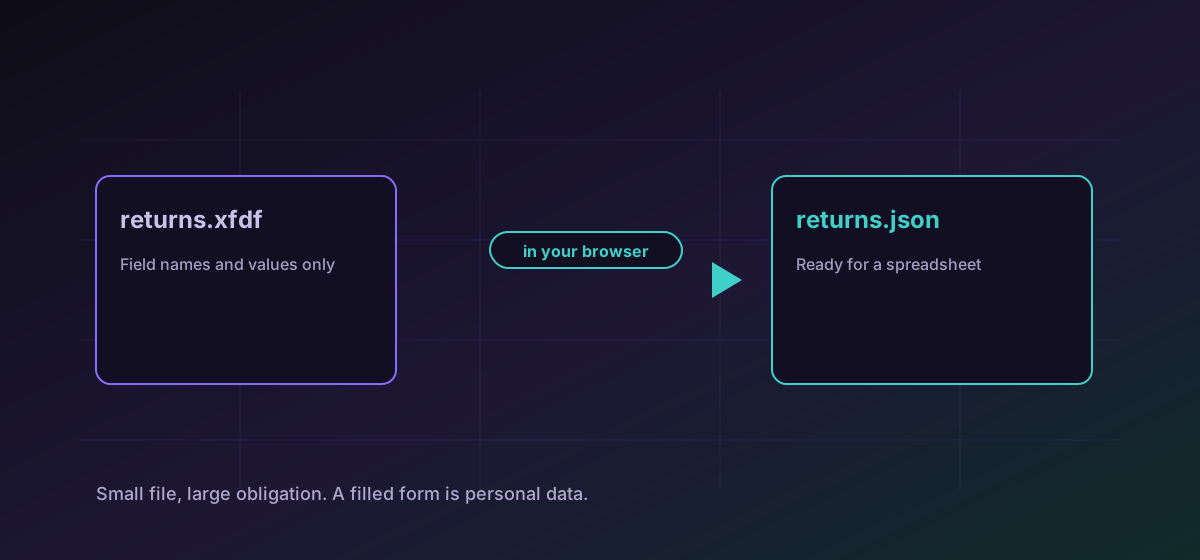
PDF forms have a feature most people never notice: the answers can be separated from the document. Rather than returning a twelve-megabyte form, a reader can export just what was typed into it, as a file of a few kilobytes. FDF is the original binary-ish version of that; XFDF is the later XML one.
They turn up in workflows where the same blank form goes out many times and many filled copies come back, which is most of government and a great deal of professional practice.
What is actually in one#
Field names and their values, essentially. The file says that the field called applicant_surname contains a particular string, and that a checkbox called consent_marketing is on. It does not contain the question, the layout, or anything else from the document. Convert FDF to JSON or convert XFDF to JSON to read that as ordinary structured data.
Why this is useful#
- Size. Hundreds of returned forms as data is a fraction of hundreds of returned PDFs.
- Aggregation. Once the answers are JSON they can go into a spreadsheet or a database, which is usually the real goal.
- Separation. The blank form stays the authoritative document, and the answers become a record attached to it.
Once it is JSON, the CSV, JSON and Excel guide covers getting it into a spreadsheet for analysis.
The sensitivity is easy to underestimate#
A filled form is, almost by definition, personal information. Names, addresses, dates of birth, national identifiers, financial details, medical answers, signatures. The file being small and boring-looking does not change what it contains, and a directory of them is a directory of people.
That is a strong argument against uploading one to a converter to see what is inside. Here the file is read in your browser and never transmitted, which is the difference between inspecting a record you already hold and disclosing it to a third party.
Practical notes#
- Keep the blank form with the data. Without it the field names are close to meaningless.
- Check checkbox values carefully. Different producers write on, Yes, 1 and true for the same state.
- Watch encoding on names and addresses, which is where non-English characters show up.
- Treat a batch of returns as a dataset with a retention period, not as loose files in a folder.
Troubleshooting
They are the form author's internal names and the file contains no questions. Open the blank form alongside the data to map them.
Producers differ: on, Yes, 1 and true all appear for the same state. Normalise them once you have the data as JSON.
Check the declared encoding. Names and addresses are where this shows up first, and it is the data rather than the conversion.
An FDF with no values is a form that was exported without being filled, or filled in a reader that did not save the values back.
Frequently asked questions
What is an FDF file?
The answers from a PDF form, separated from the document. Field names and values only, a few kilobytes rather than the whole form.
What is the difference between FDF and XFDF?
XFDF is the later XML version of the same idea. Both carry field names and values; XFDF is easier to read and to process with ordinary tools.
Why do the field names not match the questions?
Because the file contains no questions. The names are whatever the form author chose internally, so the blank form is needed to interpret them.
Can I rebuild the filled PDF from the data?
Only by importing it back into the blank form in a PDF application. The data file holds answers, not the document, so there is nothing to rebuild from on its own.
Is the form data uploaded?
No. It is read in your browser. A filled form is personal information almost by definition, so uploading one to a converter would be a disclosure rather than an inspection.