NPY, FITS, HDF5 and NetCDF: Looking Inside Scientific Data Files
Research data arrives in formats built for research software. Here is what each one holds, how to get a look at it without the original toolchain, and where converting stops being honest.
Scientific data formats are designed by the people who use them, for the software they already run. That makes them excellent at their job and completely opaque to anyone who receives one without the toolchain. A collaborator sends an HDF5 file, or a telescope archive gives you a FITS, and the immediate question is simply what is in it.
What each one is#
- NPY is a single NumPy array with a small header describing its type and shape. It is the simplest of the group and the most common thing to receive from a Python workflow.
- FITS is the astronomy standard. It carries image or table data plus a header of human-readable keyword records, and it has been in continuous use for decades.
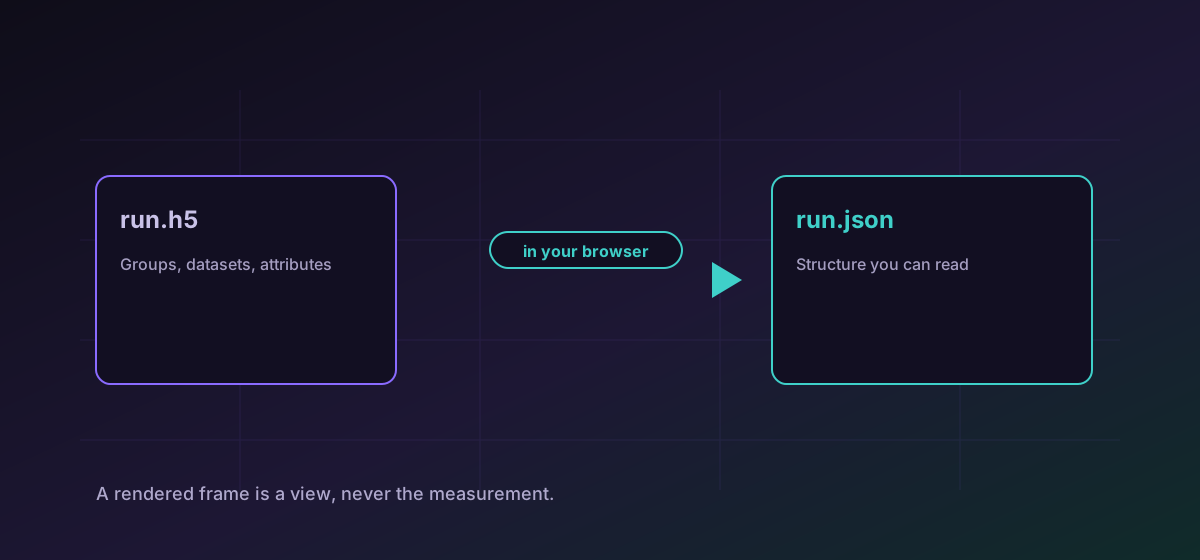
- HDF5 is a hierarchical container: datasets arranged in groups like a filesystem, with attributes attached at any level. One file can hold an entire experiment.
- NetCDF is the climate and geoscience format, built around labelled dimensions so an array knows which axis is time and which is latitude.
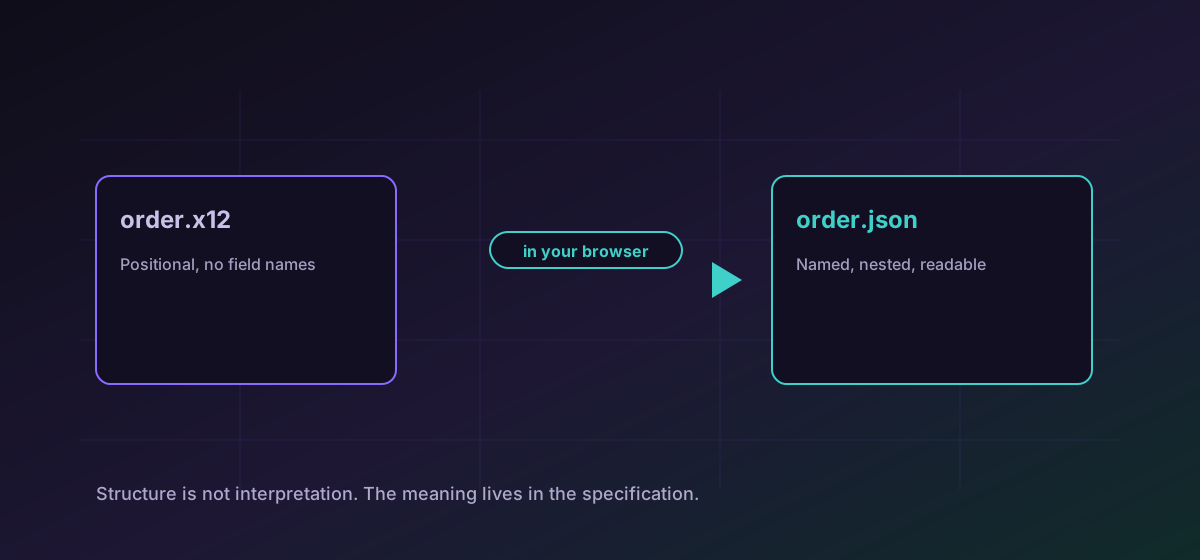
To see the numbers in a NumPy array, convert NPY to CSV. To look at an astronomical frame, convert FITS to PNG. To inspect the structure of a hierarchical file, convert HDF5 to JSON, which gives you the groups, datasets and attributes as a readable tree.
Where converting stops being honest#
The same caution applies to any numeric export. A CSV of a float array is a decimal rendering of binary values, and the round trip is not guaranteed to be exact. For inspection that is fine. For analysis, work from the original file in software that reads it natively.
Large integers and the sixteen-digit problem#
A 64-bit integer can hold values that JavaScript's ordinary number type cannot represent exactly, and the boundary sits around sixteen digits. Silently rounding those would be the worst possible behaviour, because the output would look correct. Values beyond the safe range are preserved as decimal strings with a warning rather than quietly losing precision.
If you see that warning, it is telling you something true about your data. It is also a good reason to keep the original file rather than treating the export as the record.
Model weights, while we are here#
Safetensors is the format machine-learning weights increasingly ship in, and its name is the point: it stores tensors without the arbitrary code execution that made loading a pickled model a genuine security risk. Inspecting one gives you a manifest of tensor names, shapes and types, which is usually what you actually wanted to know.
A sensible order of operations#
- Inspect the structure first. For a hierarchical file, knowing what datasets exist is often the whole question.
- Export a small slice rather than everything. Research files are large and the shape is what you are checking.
- Note the types and ranges before converting anything for analysis.
- Keep the original as the record. Every export is a lossy view chosen for human eyes.
If the data is tabular rather than array-shaped, the Parquet and Arrow guide is the better starting point.
Troubleshooting
Scientific imaging spans a far wider range than a screen shows, so a linear rendering can put everything at one end. Scale the data in analysis software if you need to see faint structure.
They exceed the range a JavaScript number represents exactly. Keeping them as decimal strings preserves the value; silently rounding them would look correct and be wrong.
Research files reach many gigabytes and a browser has a memory ceiling. Export a subset from the original toolchain first.
Check whether the source was stored in Fortran order. Column-major data read as row-major transposes silently.
Frequently asked questions
Can I do analysis on a converted file?
You should not. Converting produces a view for human inspection: a rendered image involves a scaling choice, and a numeric export is a decimal rendering. Analyse the original in software that reads it natively.
Why are some numbers quoted in the output?
They are 64-bit integers beyond the range JavaScript numbers represent exactly. Preserving them as decimal strings keeps the value intact; rounding them would produce output that looked fine and was not.
What is safetensors for?
Storing machine-learning weights without executable code. Older pickle-based formats could run arbitrary code on load, which made downloading a model a real security risk.
Why does my HDF5 file convert to a tree rather than a table?
Because that is what it is. HDF5 arranges datasets in groups like a filesystem, so the structure is the first thing worth seeing.
Is unpublished data uploaded anywhere?
No. Everything runs in your browser, so embargoed or sensitive research data is never transmitted and no service retains a copy.