ZIP, TAR, 7z and CBZ: Repacking Archives Without Extracting Them Twice
An archive is a container and a compressor pretending to be one thing. Knowing which is which explains tar.gz, why 7z is smaller, why CBZ is just a ZIP, and what repacking costs.
Archives confuse people because two different jobs share one name. Bundling many files into one is a separate operation from making them smaller, and different formats split those jobs differently. Once that is clear, most archive behaviour stops being mysterious.
Bundling and compressing are different jobs#
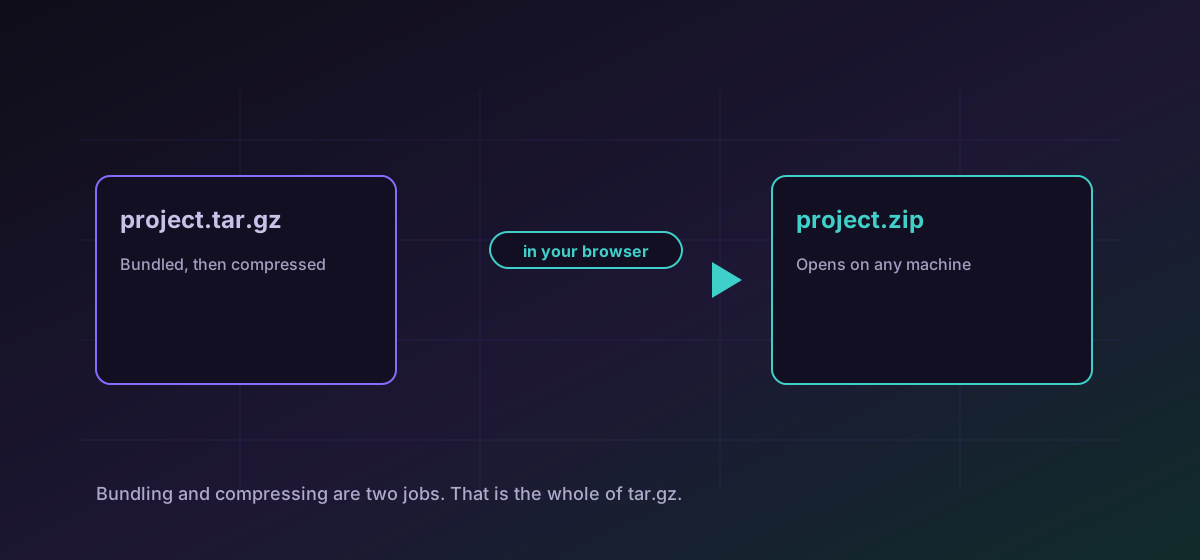
- TAR only bundles. A .tar is many files in one, no smaller than the sum of its parts. That is why .tar.gz exists: tar bundles, gzip compresses, and the two extensions record both steps in order.
- ZIP does both at once, compressing each file separately as it goes. That independence is what lets a tool pull one file out of a large ZIP without reading the rest.
- 7z does both and compresses harder, partly by treating similar files as one stream. It is usually the smallest and usually the slowest.
- CBZ is a ZIP with a different extension, holding page images in filename order. CBR is the same idea over RAR.
So converting TAR to ZIP adds compression that the tar never had, while converting tar.gz to ZIP decompresses and recompresses with a different algorithm.
Repacking is not free, and not lossy either#
Moving between archive formats means extracting the contents and writing them again. The files themselves are unchanged: archive compression is lossless, so a repacked document is byte-identical to the original. What changes is the packaging and, sometimes, the metadata around it.
Comics, and why CBR is the awkward one#
CBZ and CBR hold the same thing and differ only in the archive underneath. RAR is proprietary, which makes CBR the one that fails to open in an otherwise capable reader. Converting CBR to CBZ swaps the container for an open one and leaves the page images untouched.
Page order comes from filename order, so the one thing worth checking after a conversion is that pages named without zero padding have not sorted 1, 10, 11, 2. That is a property of the original naming rather than the conversion, and it is easier to spot before you settle in to read.
Choosing a target#
- ZIP when someone else has to open it. Every operating system handles ZIP without extra software, and that is worth more than a few percent of size.
- 7z when size is genuinely the constraint and you know the recipient can open it.
- tar.gz when it is going to a Unix system, or when permissions and symbolic links must survive.
- CBZ for comics, always, unless something specifically demands otherwise.
For extracting rather than repacking, see extracting archives. For the difference between converting and compressing generally, convert versus compress covers it.
Troubleshooting
Different algorithms compress differently, and 7z in particular beats ZIP on many inputs. Keep the original format if size is the deciding factor.
ZIP expresses Unix permissions poorly. Use tar.gz when permissions, ownership or symbolic links have to survive.
Order comes from filenames, and unpadded numbers sort 1, 10, 11, 2. Rename with zero padding before repacking.
Everything is held in memory, so very large archives hit a device ceiling. Split it, or use a desktop tool for a multi-gigabyte backup.
Frequently asked questions
Why is it tar.gz and not just one format?
Because two things happened. Tar bundled the files without compressing them, then gzip compressed the bundle. The double extension records both steps in the order they were applied.
Is 7z always smaller than ZIP?
Usually, particularly across many similar files, because it can compress them as a single stream. It is also slower and less universally supported, which is often the more important consideration.
What is the difference between CBZ and CBR?
The archive underneath. CBZ is a ZIP, CBR is a RAR, and both hold page images in filename order. RAR is proprietary, which is why CBR is the one a reader is more likely to refuse.
Does repacking damage the files inside?
No. Archive compression is lossless, so the extracted files are byte-identical. Only the packaging changes, along with metadata such as permissions that some formats express better than others.
Is my archive uploaded?
No. It is repacked in your browser. That matters here more than for single files, because an archive is usually an entire project or backup in one object.