Guides & How-tos
How to Convert MOV to MP4 in Your Browser (iPhone Video, No Upload)
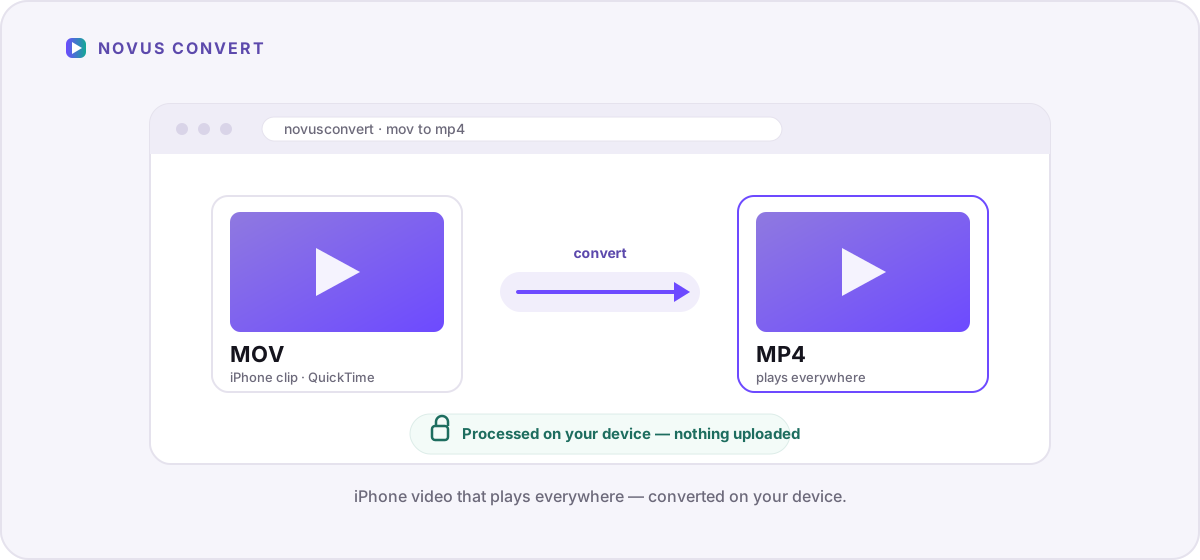
Make iPhone .mov clips play everywhere by converting them to .mp4 locally with a WebAssembly FFmpeg engine — private, watermark-free, and validated.
Step-by-step walkthroughs for converting and compressing files privately in your browser.
Make iPhone .mov clips play everywhere by converting them to .mp4 locally with a WebAssembly FFmpeg engine — private, watermark-free, and validated.
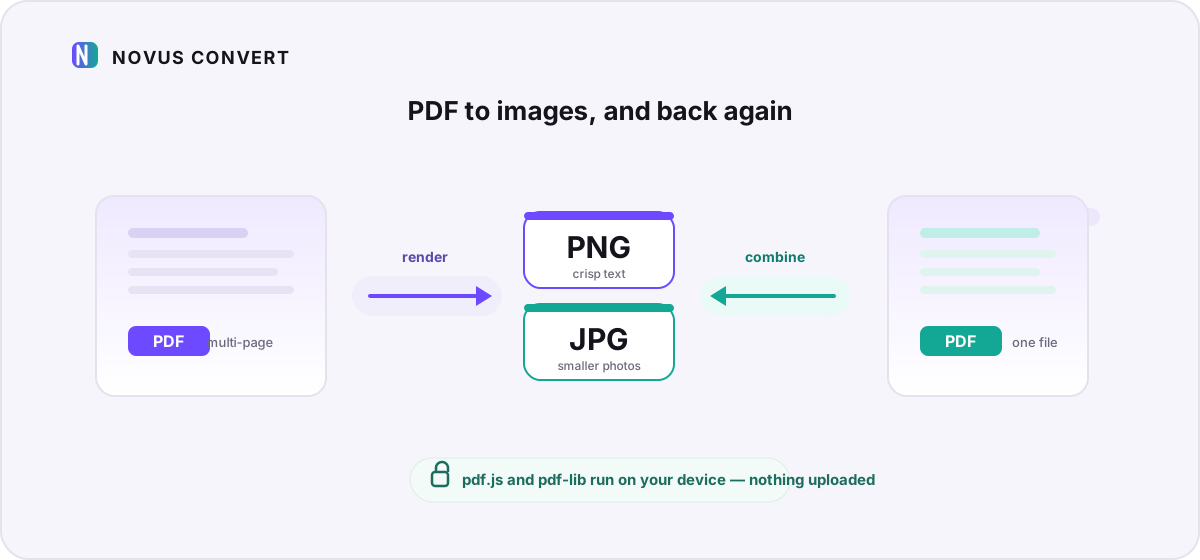
Turn PDF pages into PNG or JPG snapshots, or combine images into a PDF — all processed locally with pdf.js and pdf-lib, with nothing uploaded.
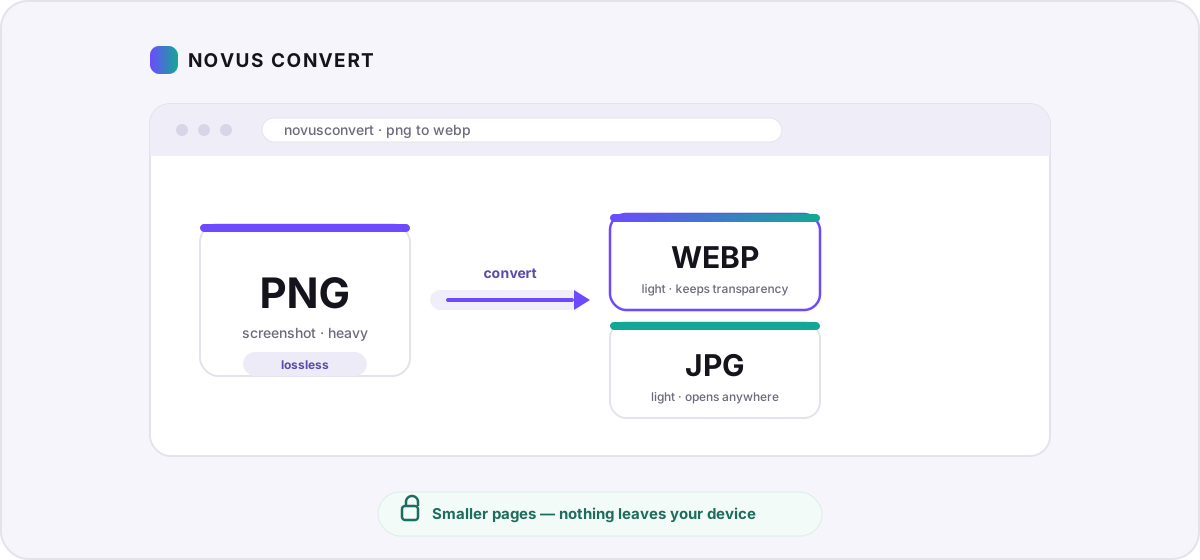
Turn heavy PNG screenshots and graphics into lightweight WebP or JPG in your browser — smaller pages, no uploads, and measured savings you control.
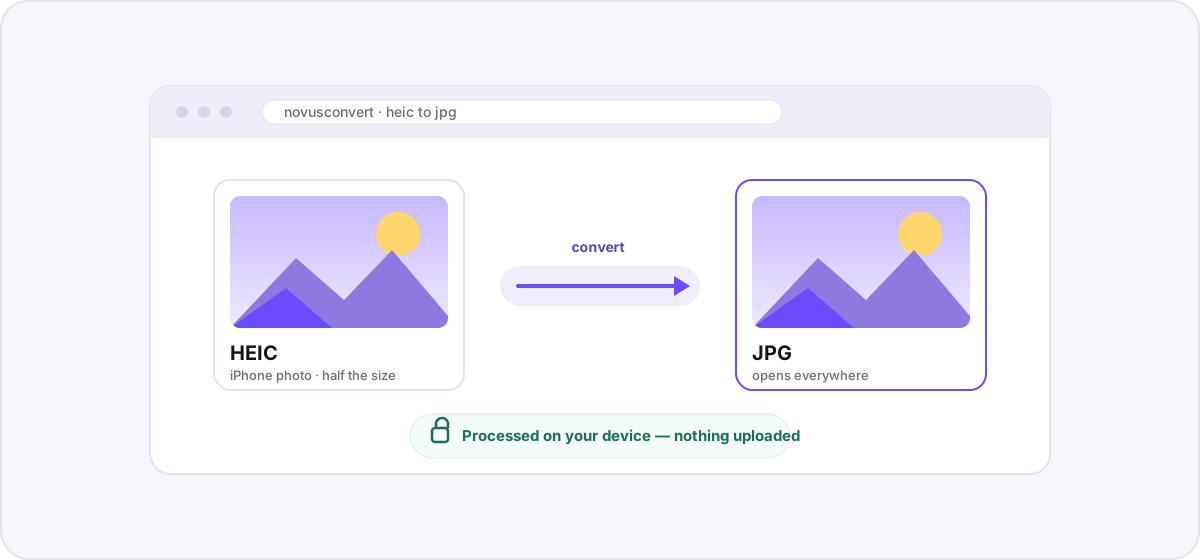
A private, step-by-step guide to turning iPhone HEIC photos into universally compatible JPGs entirely in your browser — no uploads, no accounts, no waiting.
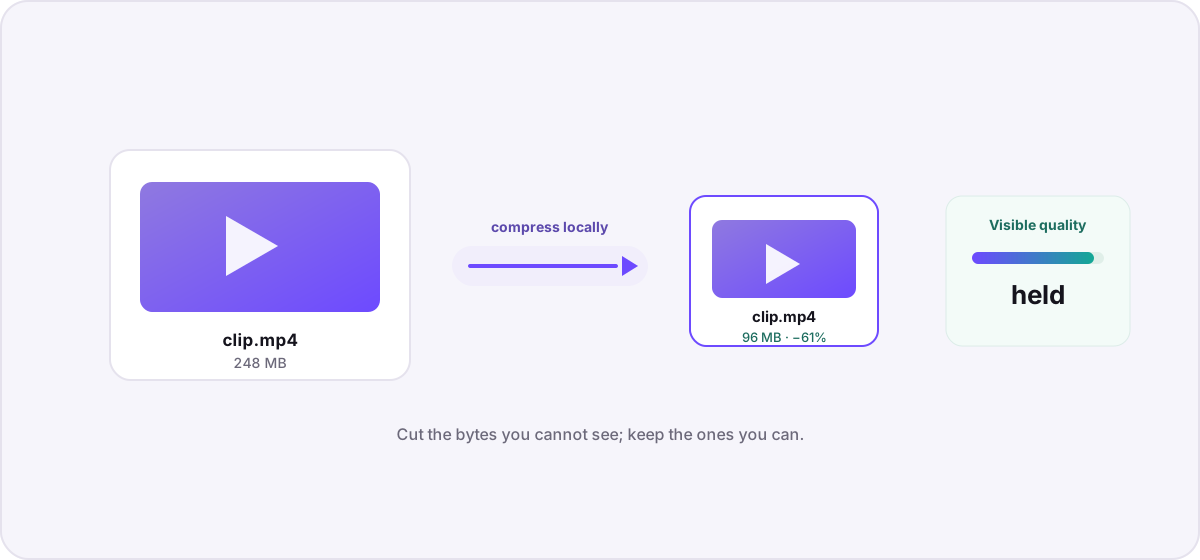
Understand what actually makes a video file large, then compress it locally — no uploads, no watermarks — using bitrate, resolution, and codec choices that preserve visible quality.